Introduction to Filament Spools and Refills
In general, filament comes spooled on a plastic spool, which can be installed on the printer either using the spool holder in the back of the machine, or by attaching it to the AMS, if you have it.
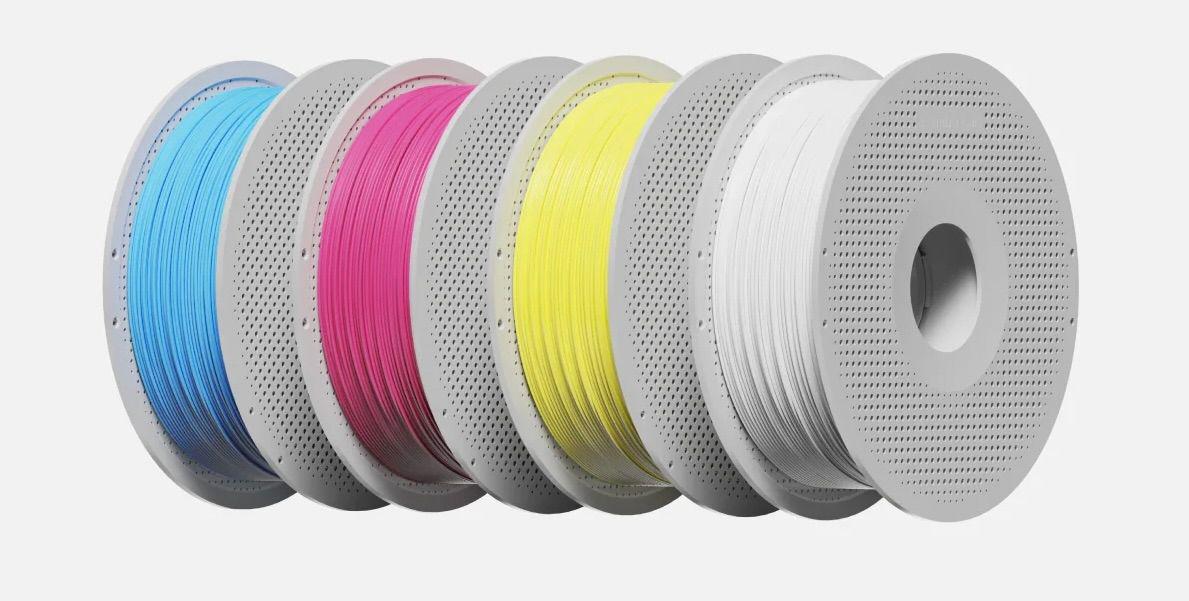
While it is very convenient to have the filament coming on a plastic spool, once you start printing models and use up the filament, you will quickly find out that you are left with a plastic spool that is not very useful anymore and will need to be discarded to recycling.
We thought of that, and Bambu Lab filament comes with a two piece plastic spool that can be re-used with Filament Refills.
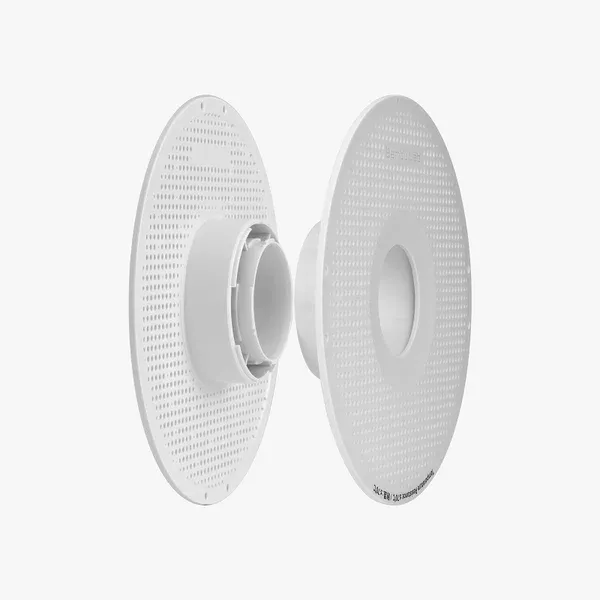
Filament refills are, as the name implies, ways to refill your spool with more filament. It comes in a roll similar to the regular spool of filament, but before it is used, it requires you to transfer it to the plastic spool. The process takes about one minute, and while it is an extra step, it will save you a bit of money as it is cheaper than regular filament. It also helps save on plastic waste, where a single use spool might be discarded instead of recycling.
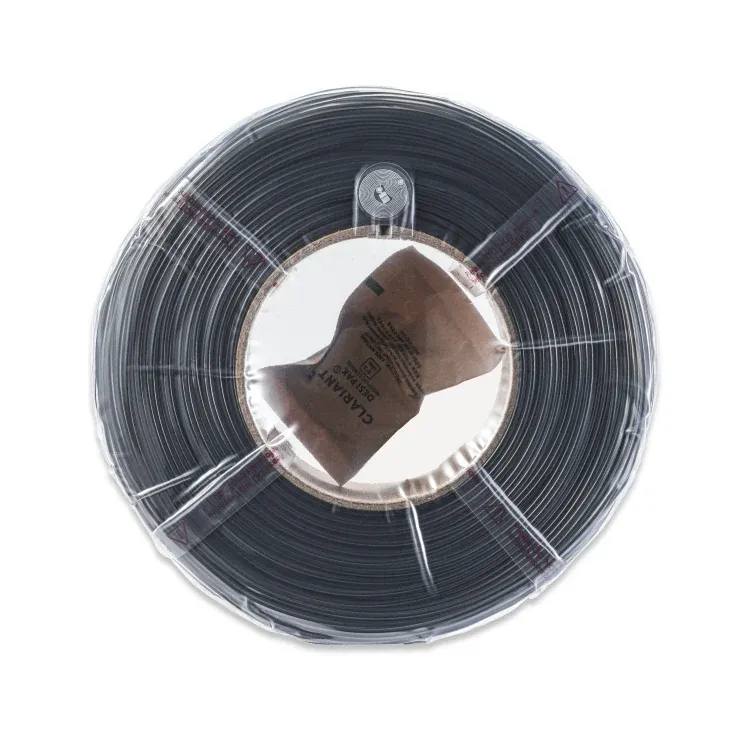
We recommend buying a few spools of filament which come with the plastic spool. Once you have enough plastic spools, you can start ordering the refill filament and re-use the existing ones. Of course, you can always print your own spools, if you wish.
Cardboard Spools
Some high-temperature filaments, such as Bambu Lab PPS-CF, are packaged on cardboard spools instead of plastic ones. This design choice is due to the high drying temperatures required for these filaments—sometimes exceeding 100°C. At such temperatures, plastic spools can soften or deform, whereas cardboard spools remain unaffected.
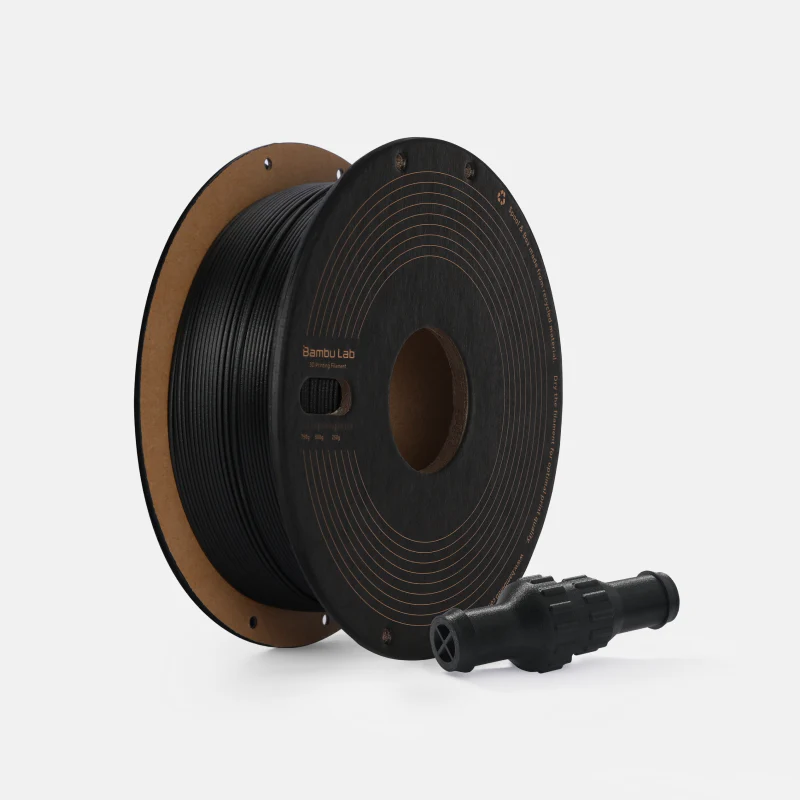
One advantage of cardboard spools is that they are easier to recycle compared to plastic. However, a major drawback is their incompatibility with the Automatic Material System (AMS). While there are modifications available to improve their compatibility with AMS units, they are not as reliable as using plastic spools. For the best printing experience, it is generally recommended to avoid using cardboard spools with AMS.
How to install the filament refill on the plastic spool?
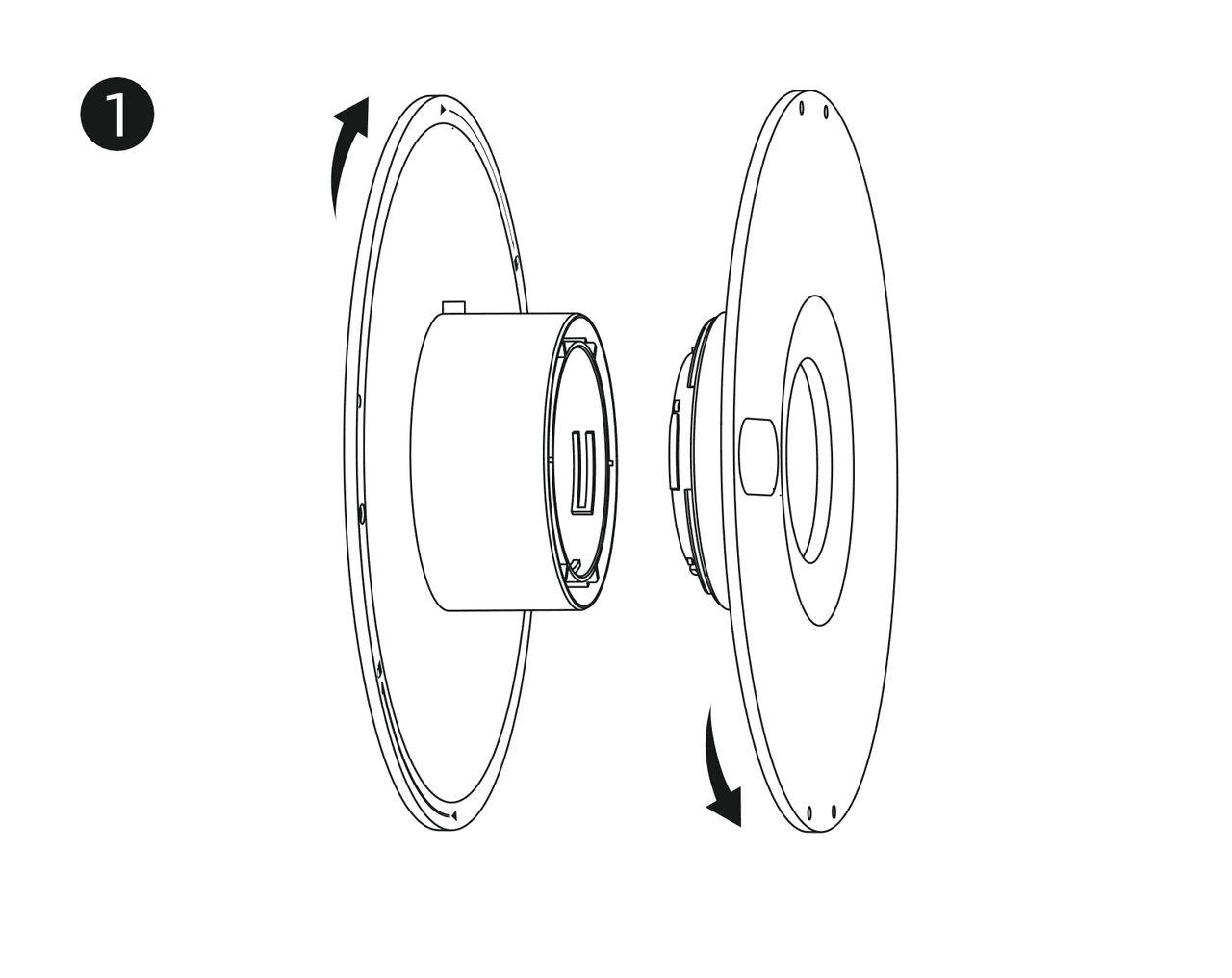
Start by twisting the spool apart, as shown in the image:
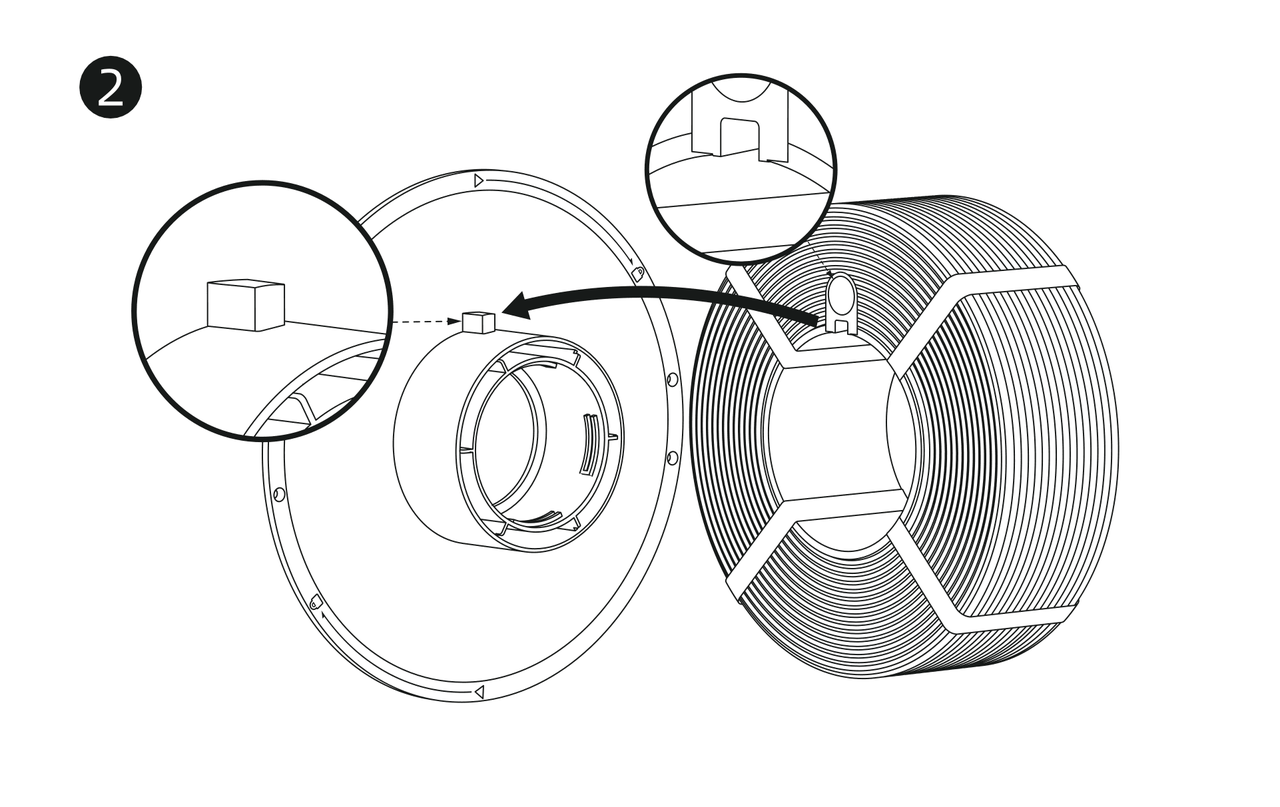
Next, align the plastic block with the small cutout on the side of the filament refill and insert the refill. It is next to where the RFID tag is.
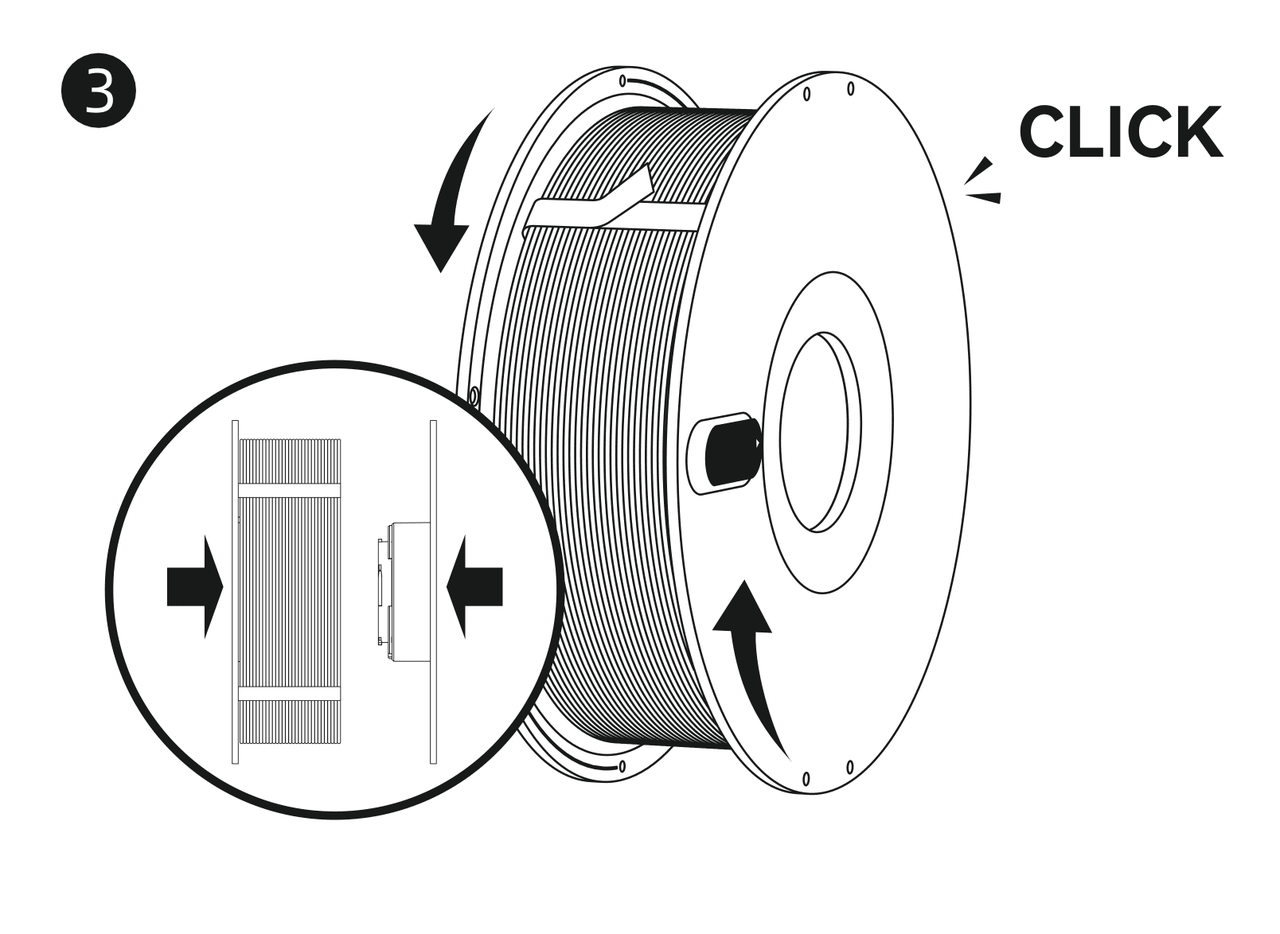
Once aligned, put the two sides of the spool together, and spin the sides until you hear a click.
Finally, remove the plastic tabs holding the filament, and apply the sticker on the side of the spool.
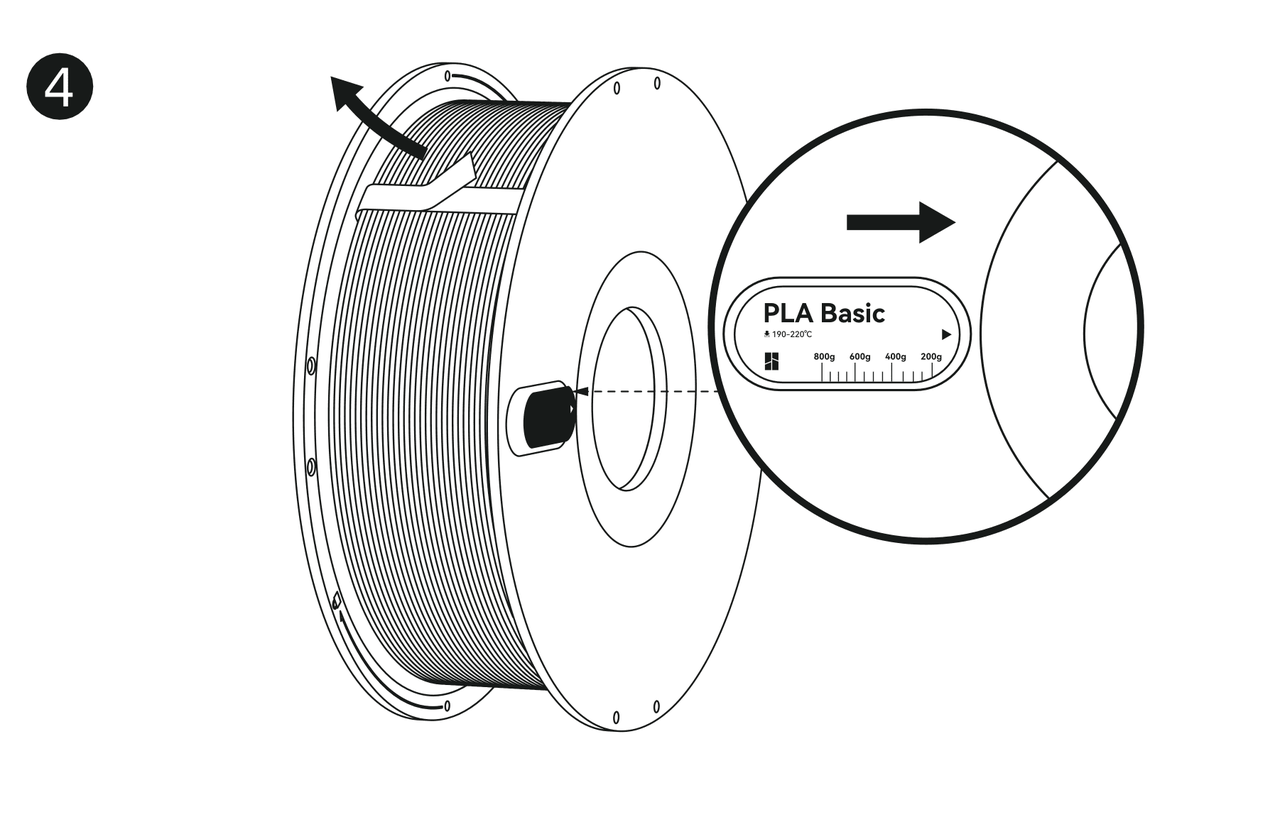
That’s it! You are now ready to start printing.
A video guide is also available below, to better explain the process: