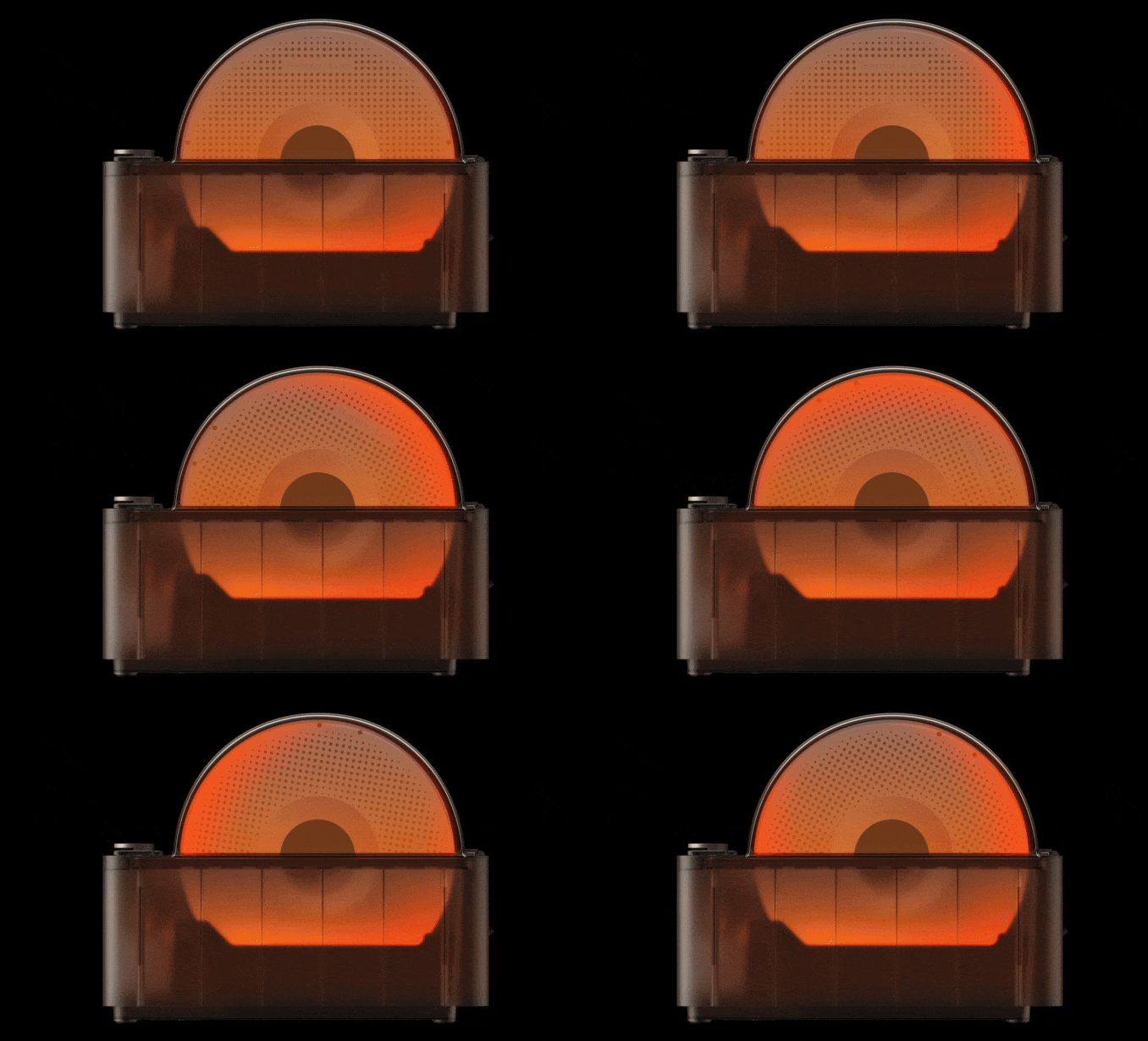
Introduction to the AMS
The AMS is an optional accessory designed to enhance the functionality of your X1C 3D printer. If you’ve purchased the Combo version of the printer, the AMS is included as part of the package.
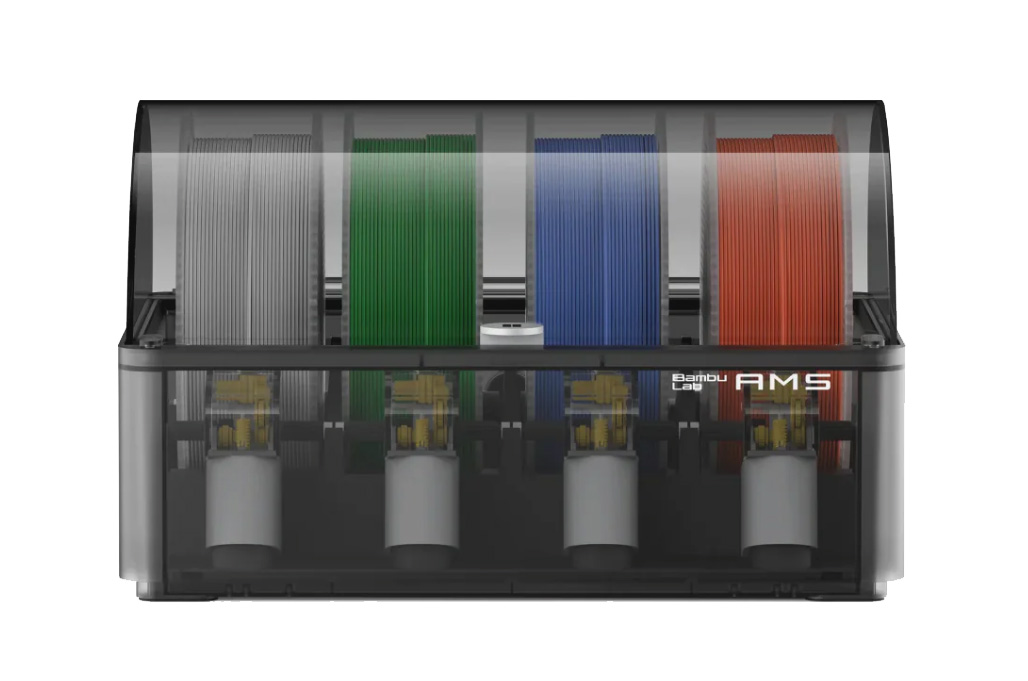
AMS stands for Automatic Material System, and it allows for seamless integration of filament management into your printing process. This system provides additional features like automatic filament loading and unloading, as well as monitoring the filament’s status during printing. By attaching the AMS to your X1C, you can streamline your workflow, making the printing process more efficient and reducing the need for manual filament handling.
Main Features
Multi-Color/Multi-Material Capability
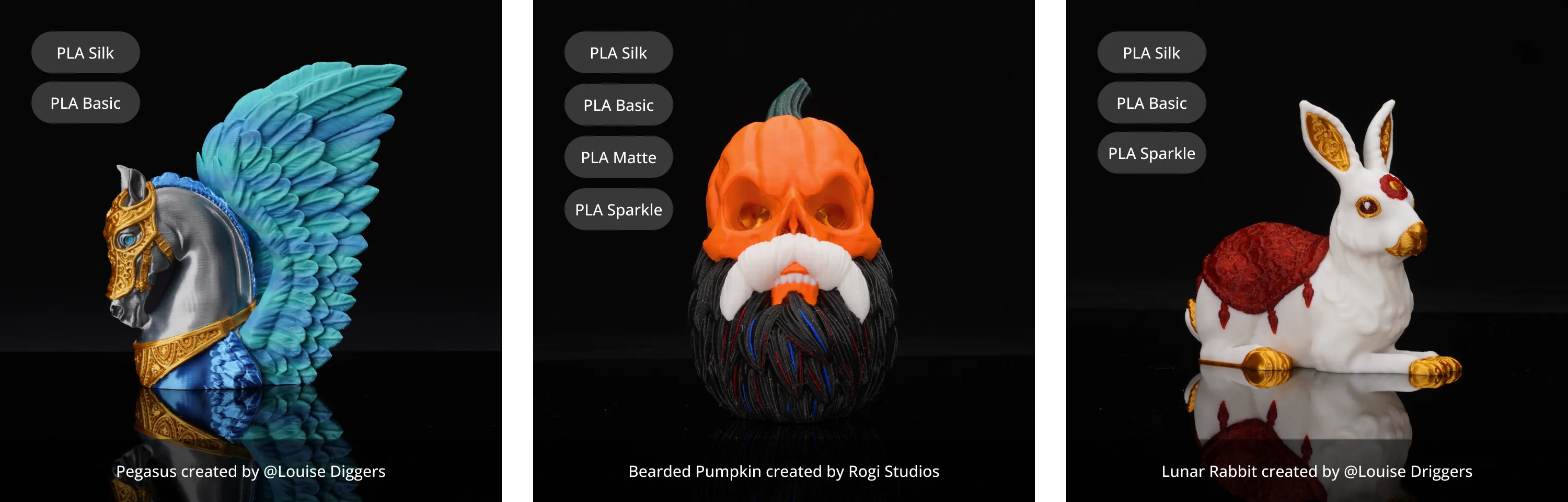
One of the key features of the Bambu Lab X1C is its ability to print with multiple colors and materials using the Automatic Material System (AMS).
With a single AMS unit, the X1C can handle up to four different colors or material types in a single print. This allows users to create multi-colored prints or combine different filament properties without manual intervention.
For those who require even more variety, the X1C supports the use of up to four AMS units simultaneously. By connecting multiple AMS units, the printer can manage up to 16 different colors or materials within a single print job. This expands creative possibilities, enabling complex, multi-color designs or advanced material combinations for functional parts.
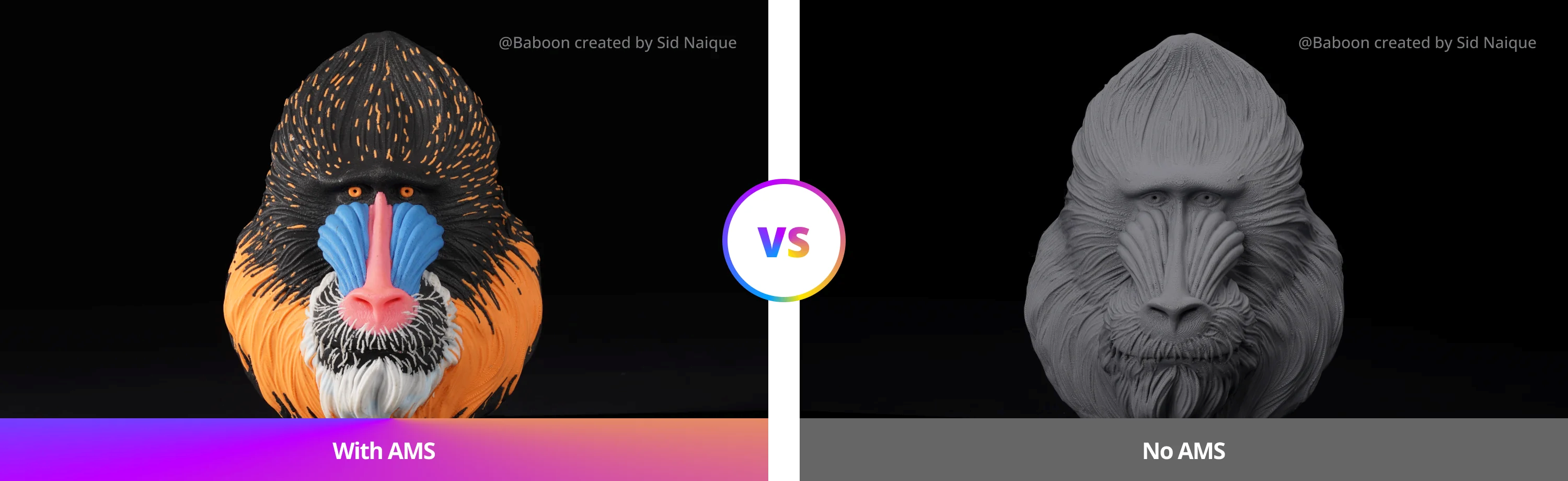
A popular use case for using multiple materials at the same time is to print with support filament as an interface, which provides enhanced results for models that require support. When support filament is used, once the model is completed it can be easily removed, leaving a cleaner, smoother finish on your model, especially in more complex geometries.
Automatic Filament Backup
Another key feature of the AMS is automatic filament backup. This functionality allows you to set up the printer to automatically switch to a new spool when the current one runs out.
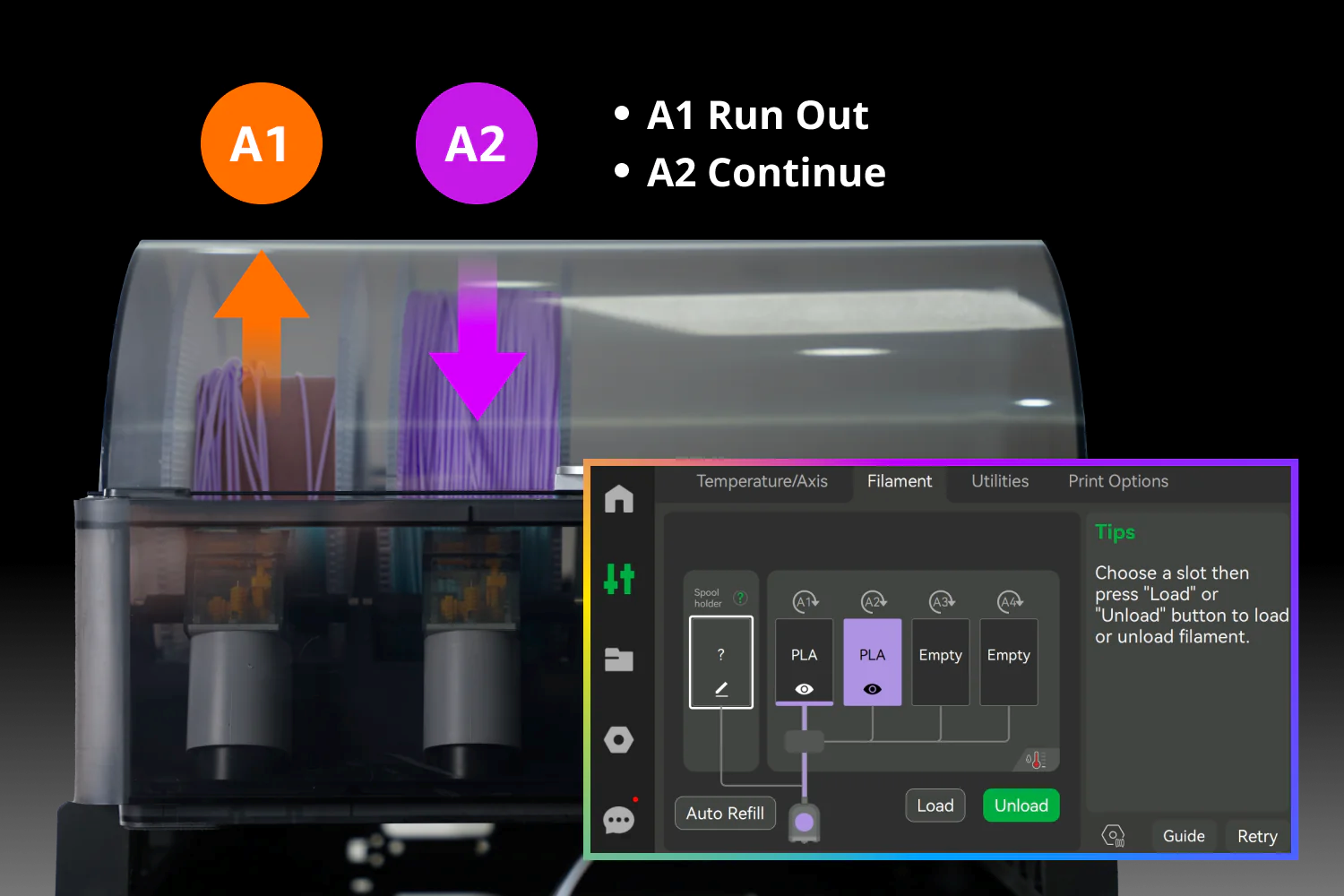
With automatic filament backup, you can enjoy an uninterrupted printing process, as the printer seamlessly loads the next spool without needing manual intervention. This feature also helps reduce filament waste, as it eliminates the need for stopping the print to change spools, ensuring your print continues without interaction.
Filament is insulated from moisture
Another important feature of the Automatic Material System is its ability to protect filament from moisture by sealing it within a controlled environment. Many filaments, especially hygroscopic ones like nylon, TPU, and certain composites, readily absorb moisture from the air. When filament becomes too wet, it can lead to poor print quality, including extrusion issues, stringing, brittleness, and inconsistent layer adhesion.
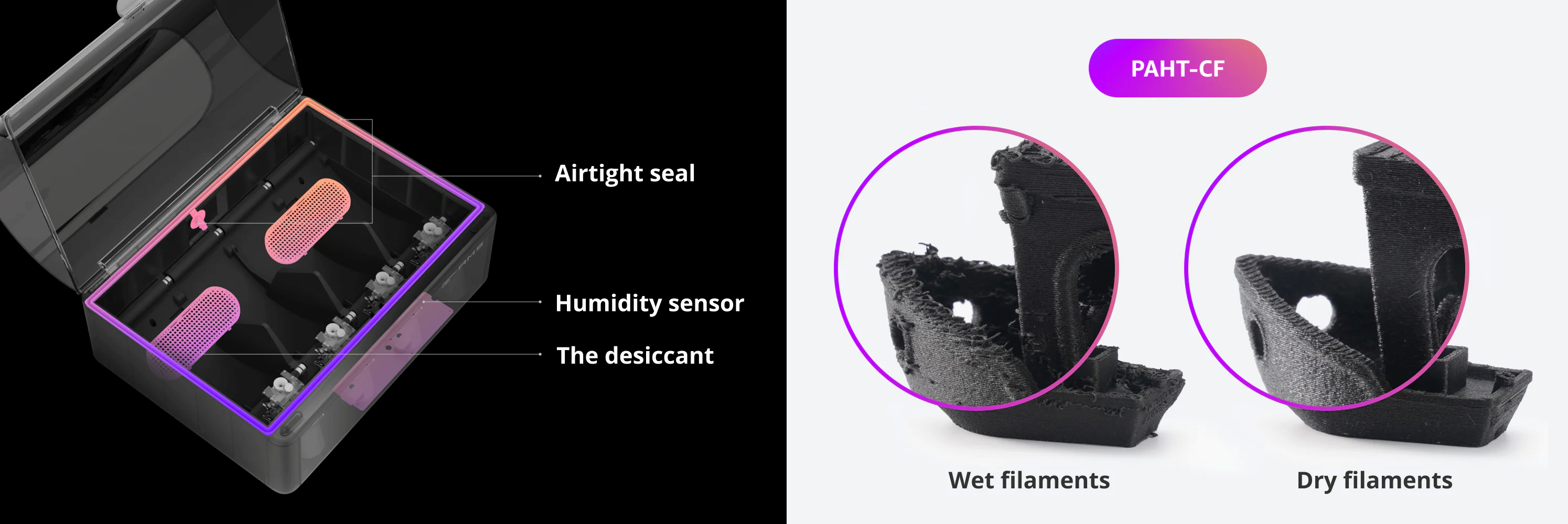
The AMS helps prevent these problems by creating a sealed environment that minimizes exposure to humidity. It also includes a built-in humidity sensor that continuously monitors moisture levels inside the unit. If the humidity becomes too high, you can see when it’s time to dry the filament or replace the desiccant. This proactive system helps maintain optimal filament conditions, ensuring consistent and high-quality prints.
RFID Filament Sync
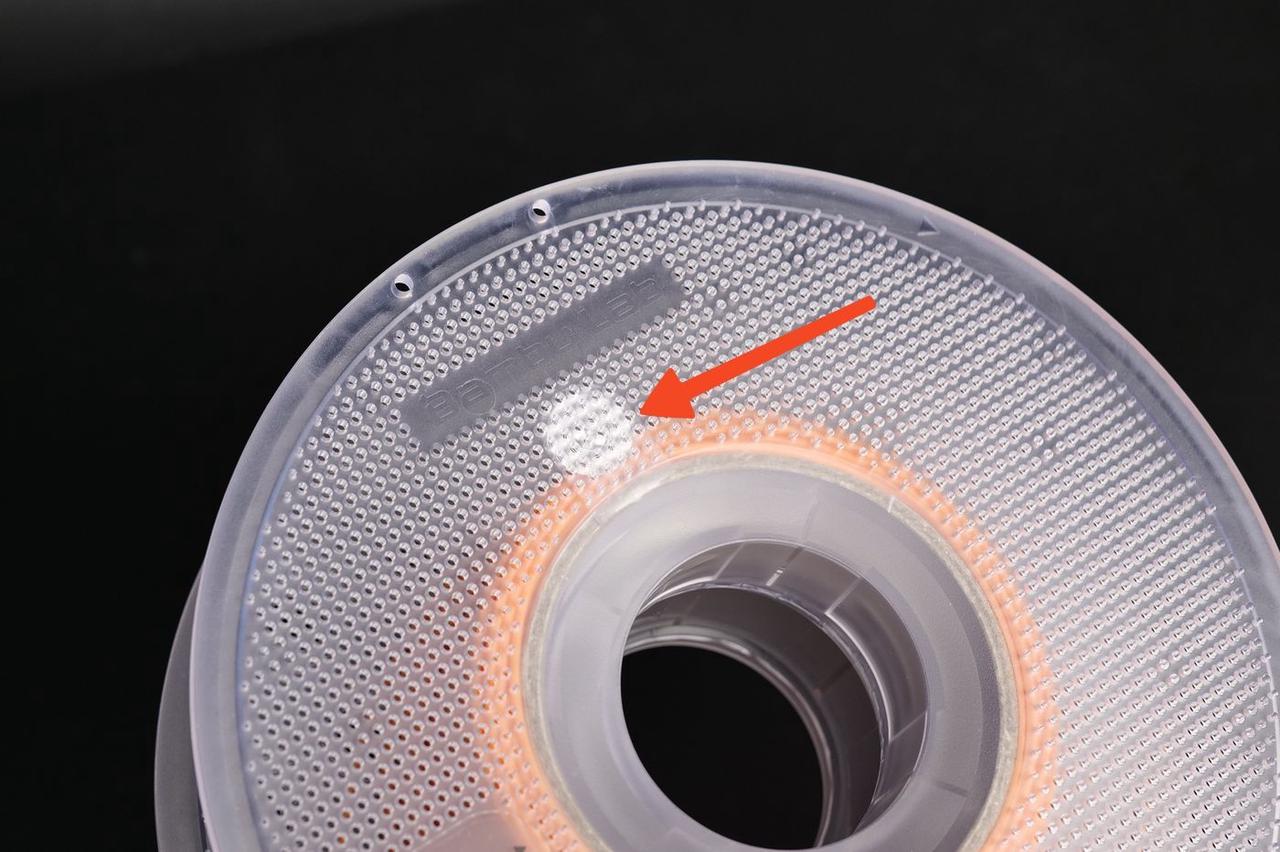
RFID sync is a feature that works when you use Bambu Lab filament with the AMS. It automatically detects the type and color of the filament loaded into the printer. This system helps save time by improving the filament loading process and reduces the chances of mistakes when switching to a new spool.
The RFID chip is applied on most Bambu Lab filament spools, and also on Filament Refills. Usually, filament which is not compatible with the AMS will not have an RFID chip.
With RFID sync, the AMS lite ensures that the correct filament settings are applied, making your workflow smoother and more efficient.
AMS vs AMS 2 Pro
An upgraded version of the AMS is also available for purchase, if you decide to increase the number of AMS units you have attached to your printer, or if you have decided to get the AMS 2 Pro Combo version of the X1C.
The design of the AMS 2 Pro is slightly different visually, with most of the improved features being inside.
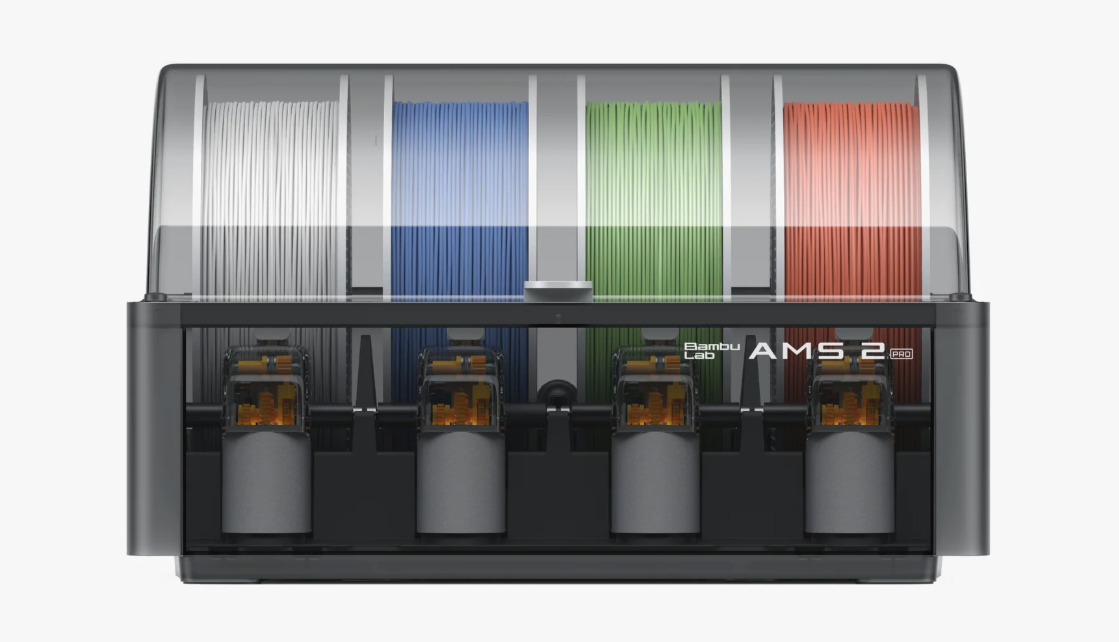
Filament Drying and Spool Rotation
The main feature is the Filament Drying capabilities brought by the AMS 2 Pro, which is now able dry the filament before printing, at up to 65°C which can help ensure the best print quality. There are small automated ports which open and close automatically to let the moisture out, or seal the unit when drying is completed.
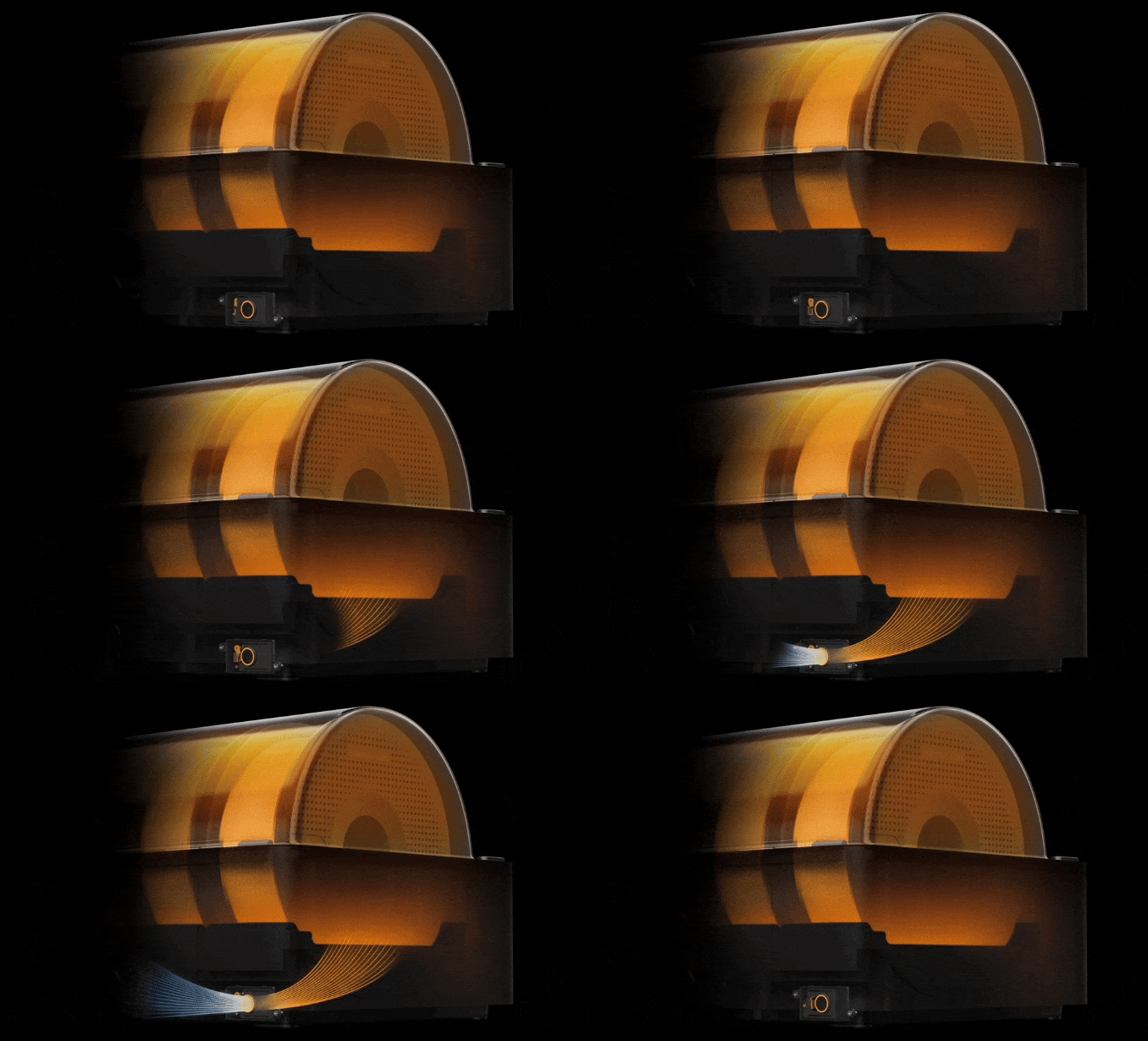
During the drying process, the spools are also rotated automatically, to ensure consistent drying across the entire spool.