
Completing the Printer Installation and Loading Filament
In this chapter, you will learn how to load the filament from the spool holder (if you don’t have an AMS unit already connected) and start the first print.
Keep the build plate clean
❗❗ When setting up the A1, avoid touching the build plate surface with your fingers to prevent contamination. If you touched the surface, it is recommended to wash the build plate with warm water and dish soap that doesn’t contain any additives. Simply take the build plate and wash it with dish soap and warm water. Then, dry it with a clean microfiber cloth or paper towel. This will help to ensure a successful print.
Loading Filament from the Spool Holder
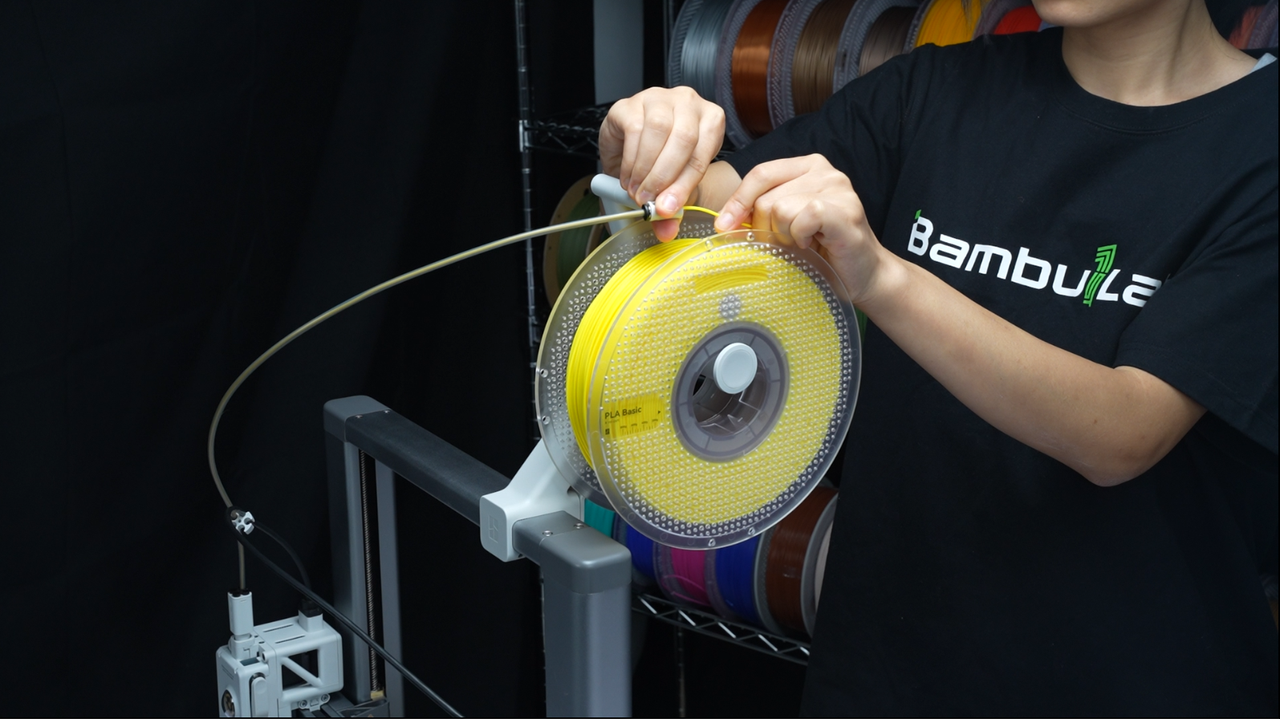
Start by removing the filament from the packaging, and carefully release the end of the filament, which is taped to the spool.
Important!
When releasing the filament end, it is important to always keep the filament under tension to prevent unraveling or tangles.
Install the spool on the spool holder and gently feed the filament through the PTFE tube on the side of the printer. Ensure that the filament feeds smoothly without kinks or snags for a reliable loading process.
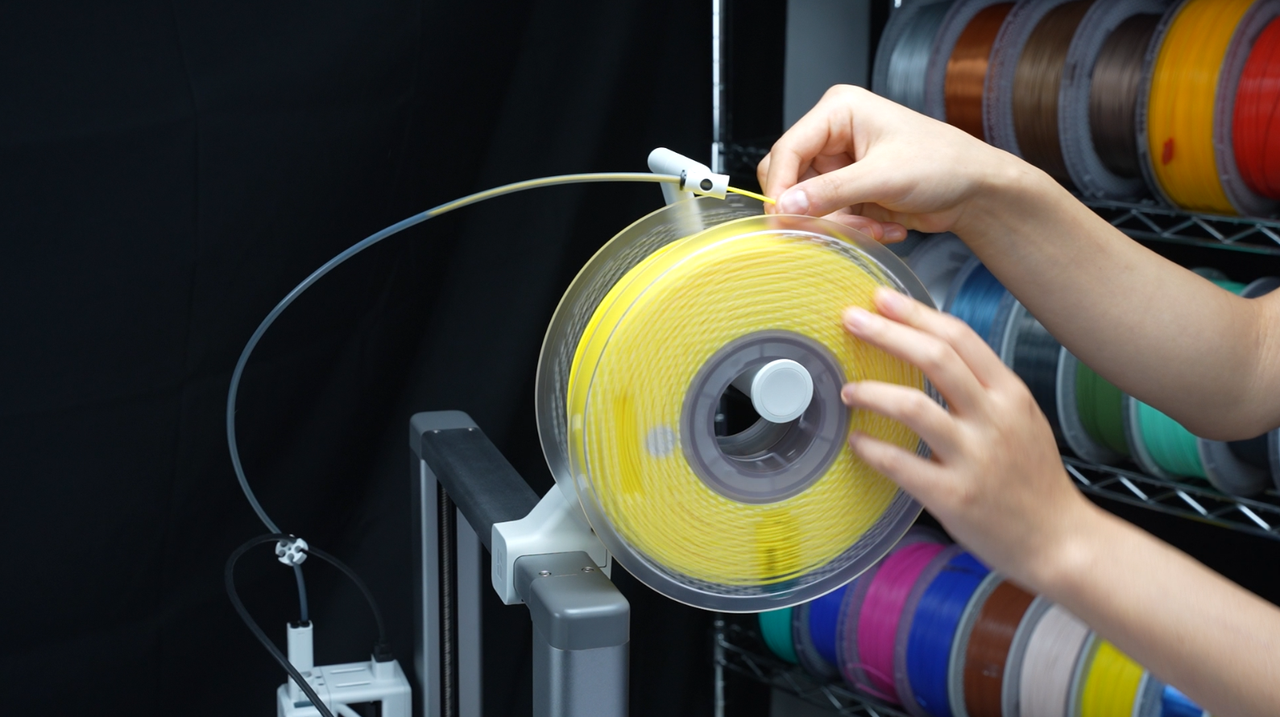
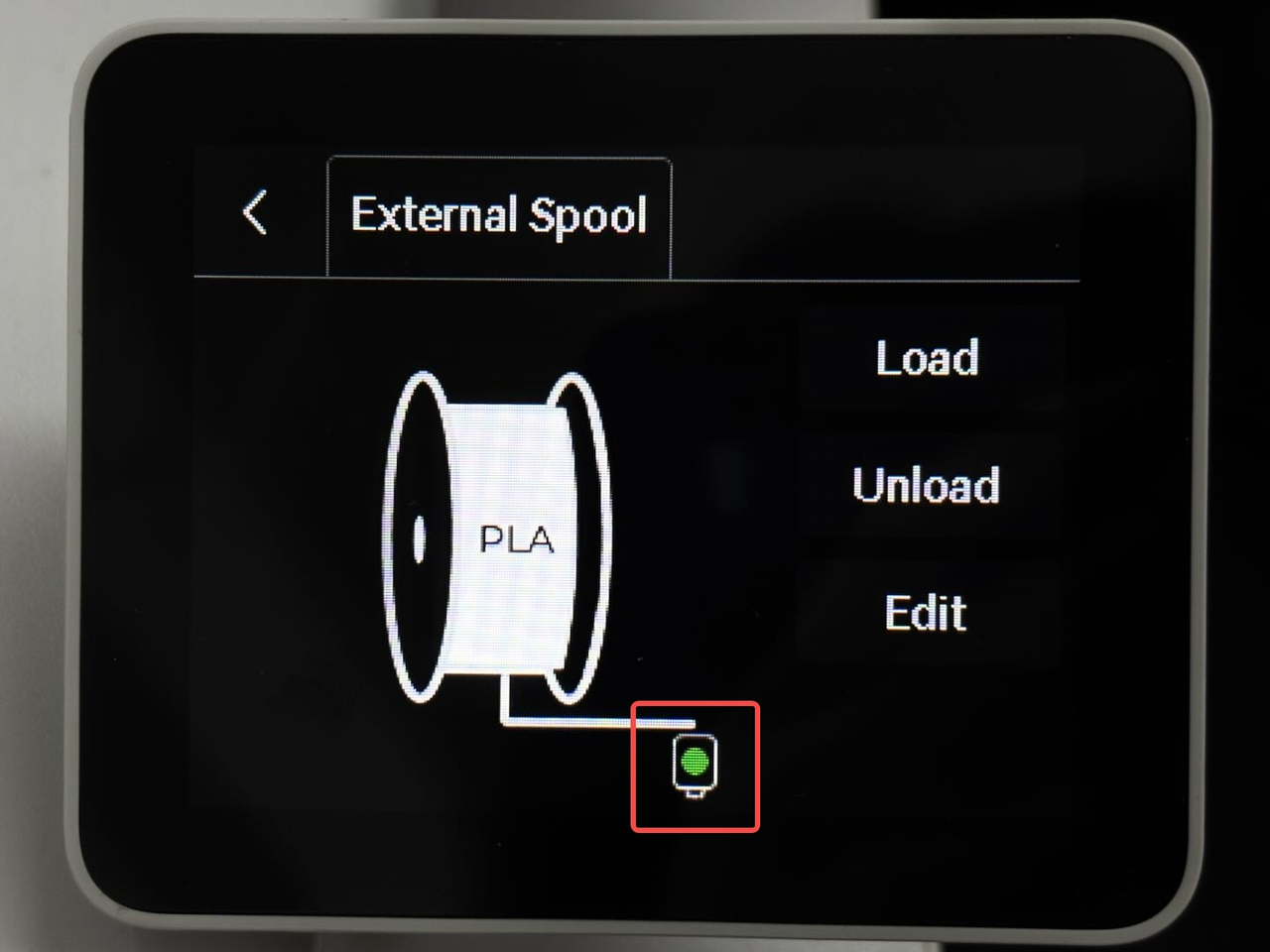
Keep pushing the filament upwards until it stops and the filament sensor icon on the screen changes from white to green, indicating it has reached the extruder.
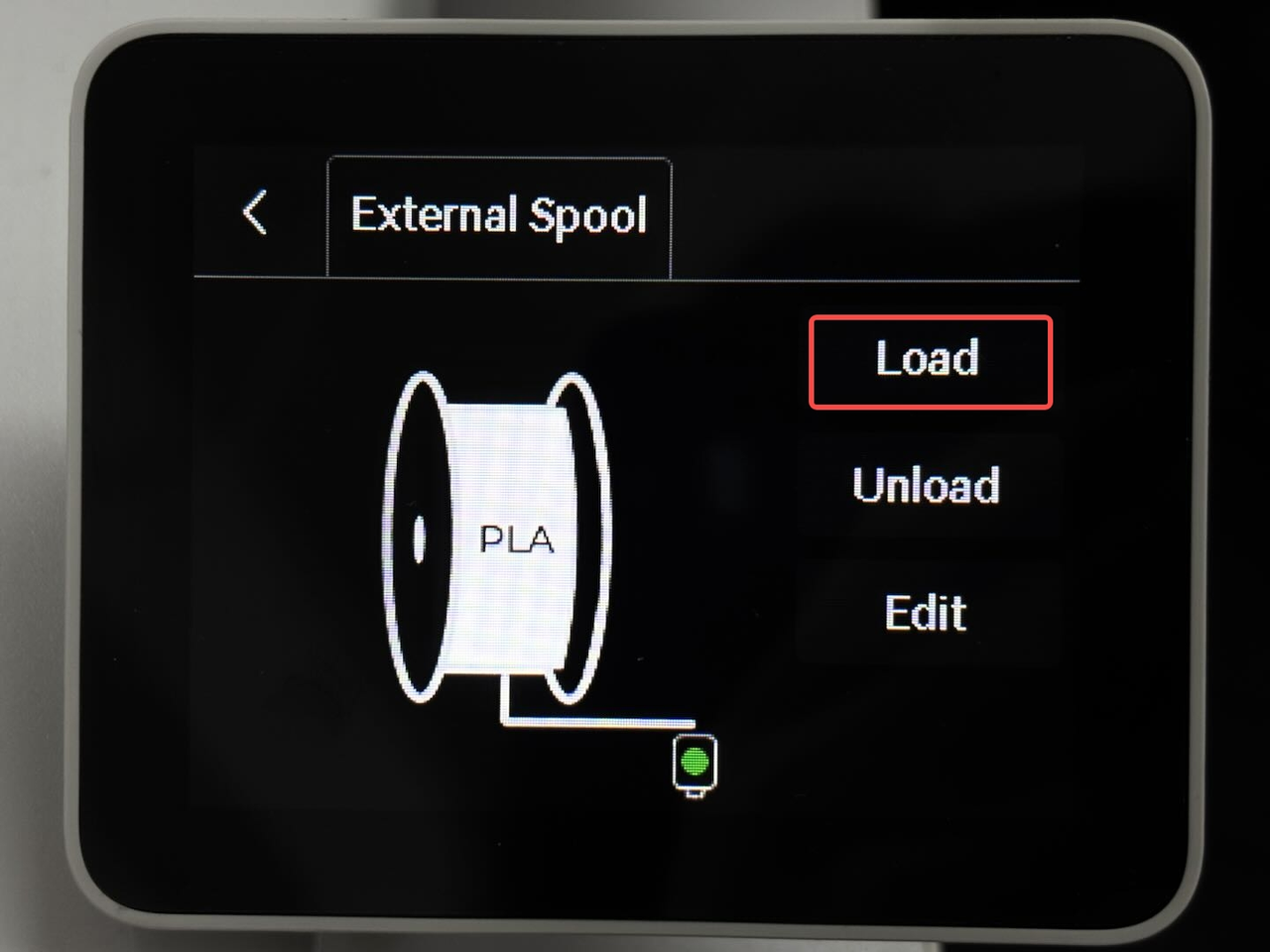
Next, tap the Load button to start the filament loading process.
The printer will start performing all the steps displayed on the screen to heat the nozzle and push the filament into the nozzle to prepare for printing.
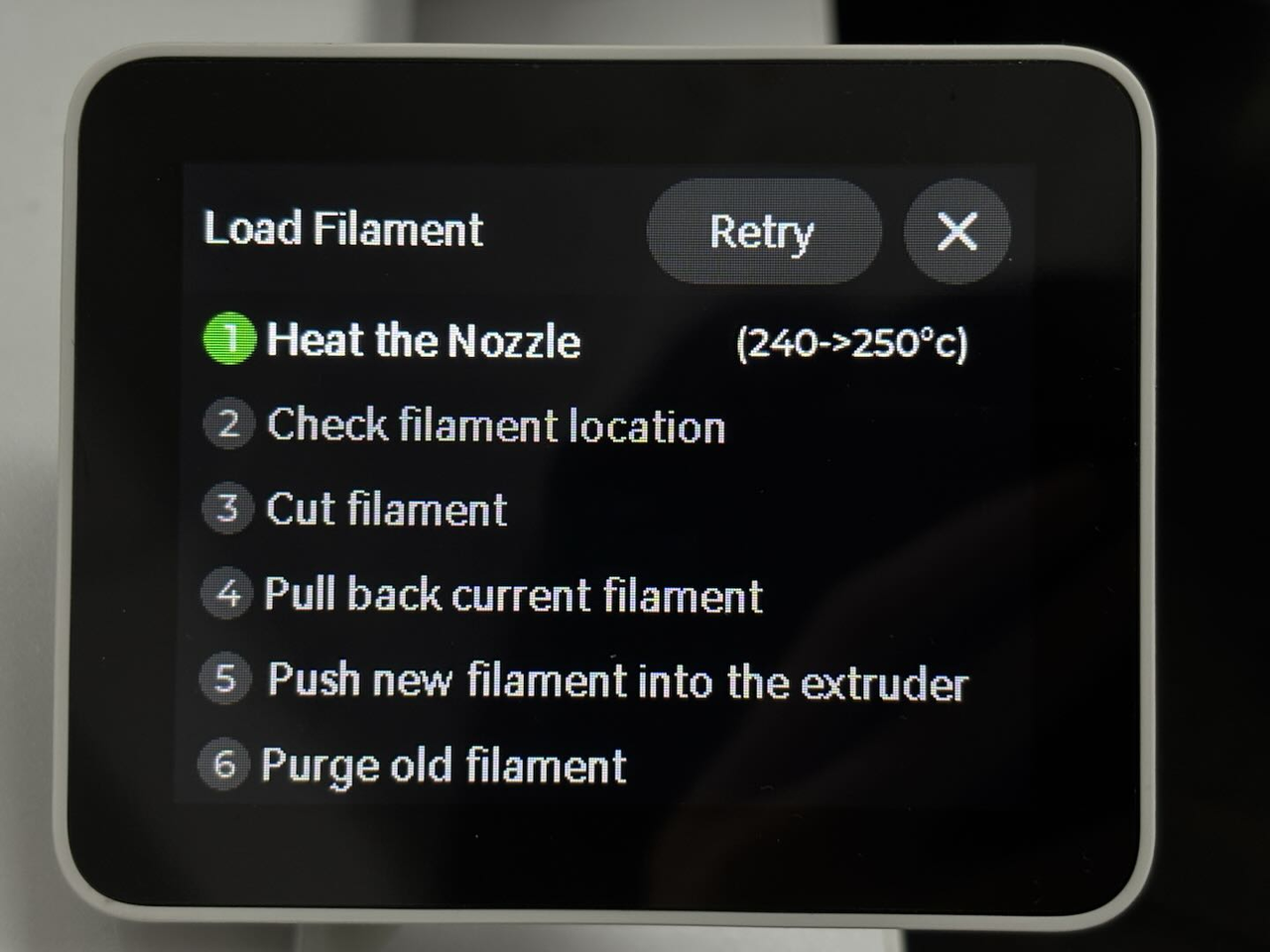
Please note that in some situations, the filament might not be grabbed by the extruder to be automatically loaded. If this happens, you will be asked to manually push the filament towards the extruder. Simply push the filament slightly when asked by the printer’s screen message, then you will feel the filament slowly being pulled and extruded.
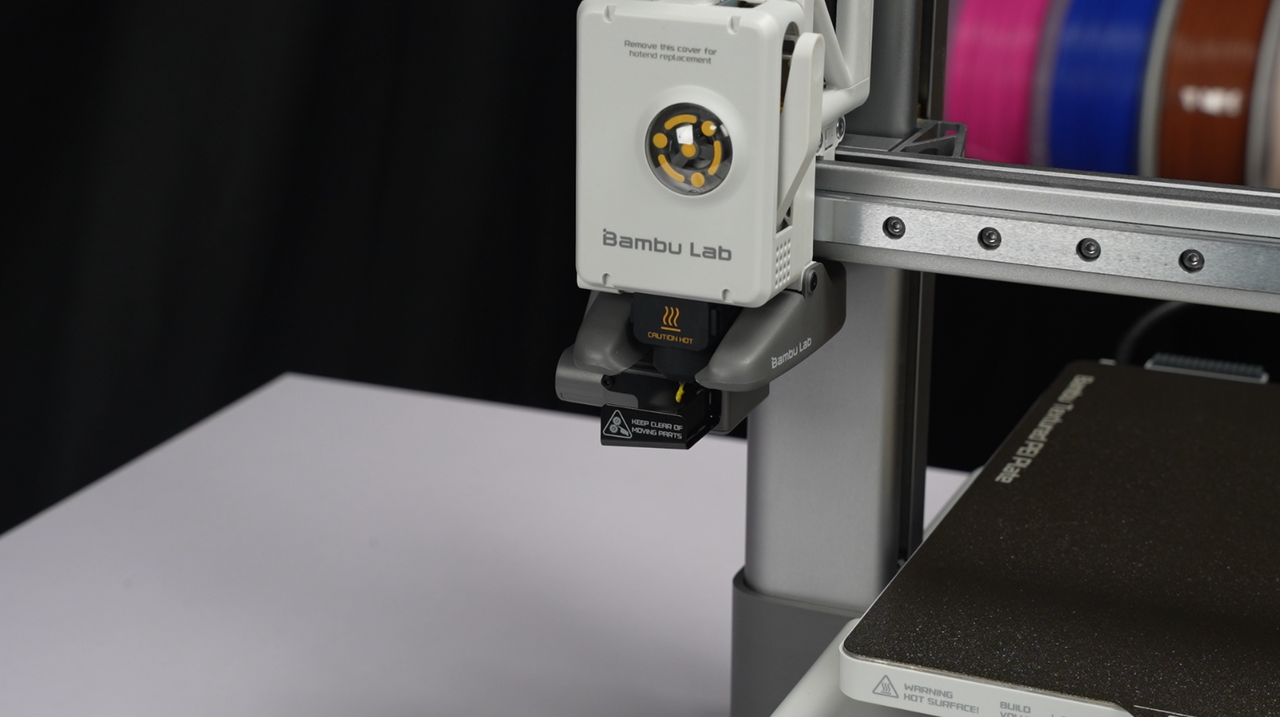
You will notice filament coming out from the nozzle. If that’s the case, the hotend is loaded with filament, and the printer is almost ready to start the first print!
Video Guide
A detailed video is available to guide you step by step through loading and unloading filament and preparing the printer.