
Introduction to Bambu Lab Wiki
The Bambu Lab Wiki (available under wiki.bambulab.com) is an extensive online documentation platform for Bambu Lab 3D printer users. It offers detailed product manuals, troubleshooting guides, fine-tuning tips, Bambu Studio and Bambu Handy tutorials, and access to the latest product updates.
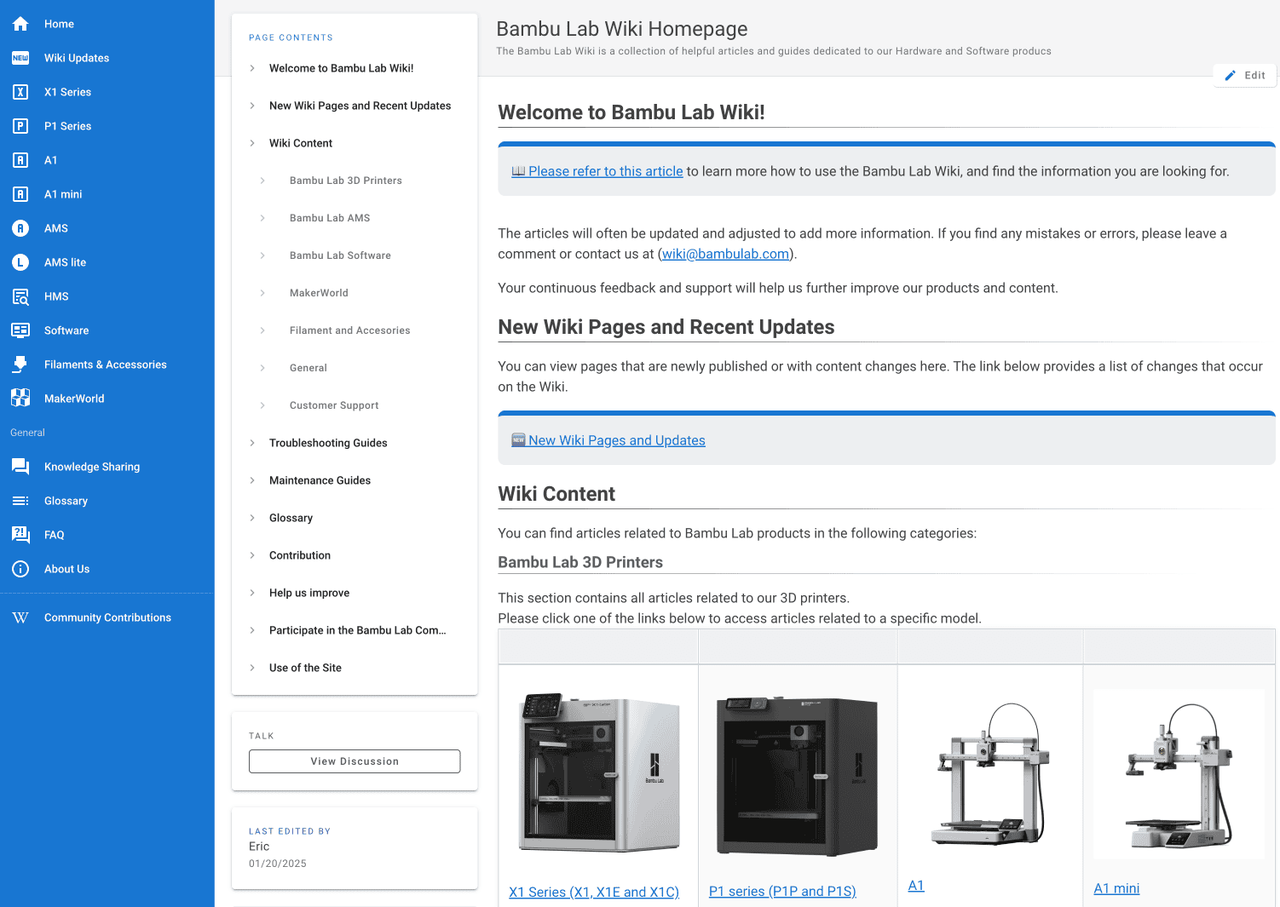
It also features extensive articles covering the A1,and once you complete this Academy Course, it is highly recommended to read some of the content available to further increase your knowledge about your printer.
When an issue arises, the printer often displays a QR code on the screen, which is generated by the printer’s Health Management System (HMS). Scanning this with your phone redirects you to a dedicated Wiki article with solutions tailored to your specific problem. The Wiki provides clear, step-by-step guides, helping you quickly and easily resolve issues.
It currently includes Multi-Language support for English and Chinese, with other languages being added over time to make it easier for everyone to access it and understand the content. The language switch can be accessed in the top right corner.
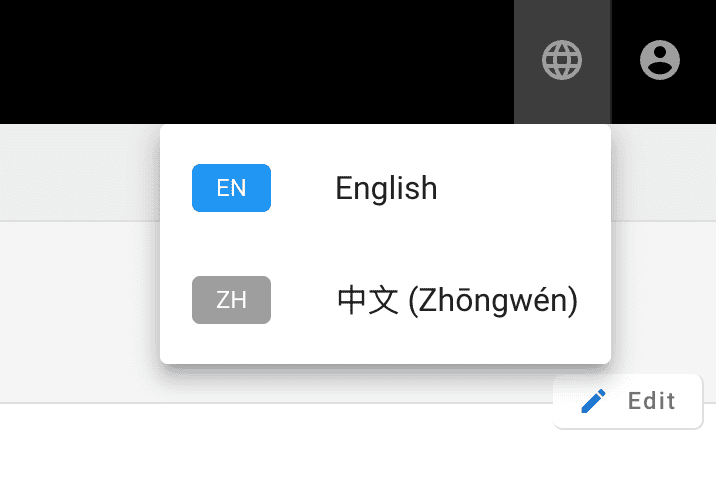
A detailed guide on how to use the Bambu Lab Wiki is available, explaining each feature.
Bambu Lab products and accessories also come with a QR code on the packaging. Scanning this code redirects you to a dedicated Wiki page with step-by-step instructions to help you set up, use, or repair the product as needed.
Getting support
If you ever need assistance with your A1 and can’t find the information you need on the Wiki, we encourage you to reach out to our Customer Support Team by opening a Support Ticket. Our team is ready to answer your questions and help resolve any issues you may encounter.
You can open a Support Ticket through the Support page on the Bambu Lab website or conveniently via the BambuHandy App.