
Starting the first print
We know you’re excited to start printing, so let’s do it!
All Bambu Lab 3D Printers come pre-loaded with default test models that can be printed from the printer’s memory or the included MicroSD card. We recommend starting with the 3D Benchy model since it’s a quick print and a good way to confirm the printer is working correctly.
Start by selecting the Print Files button to list all the available files.
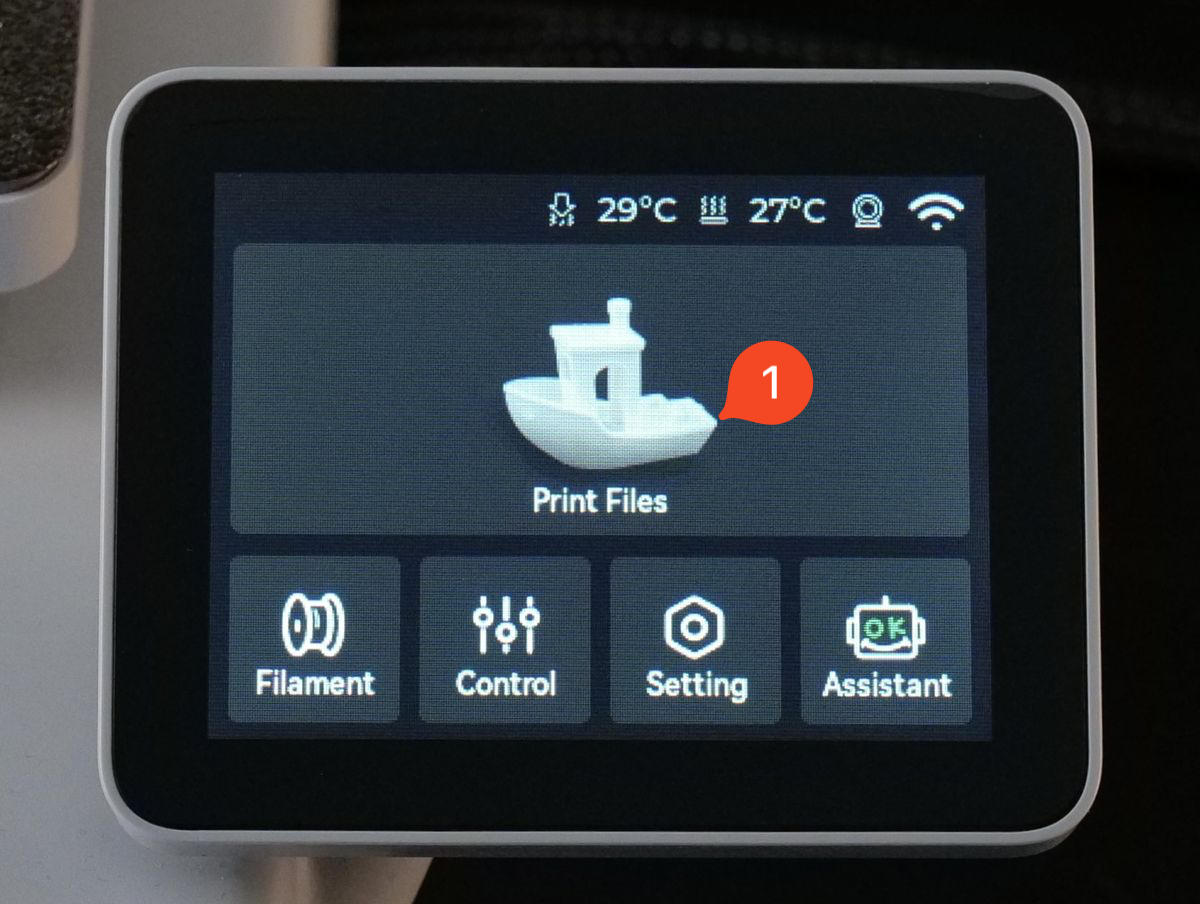
Next, select the 3D Benchy displayed in the image below.
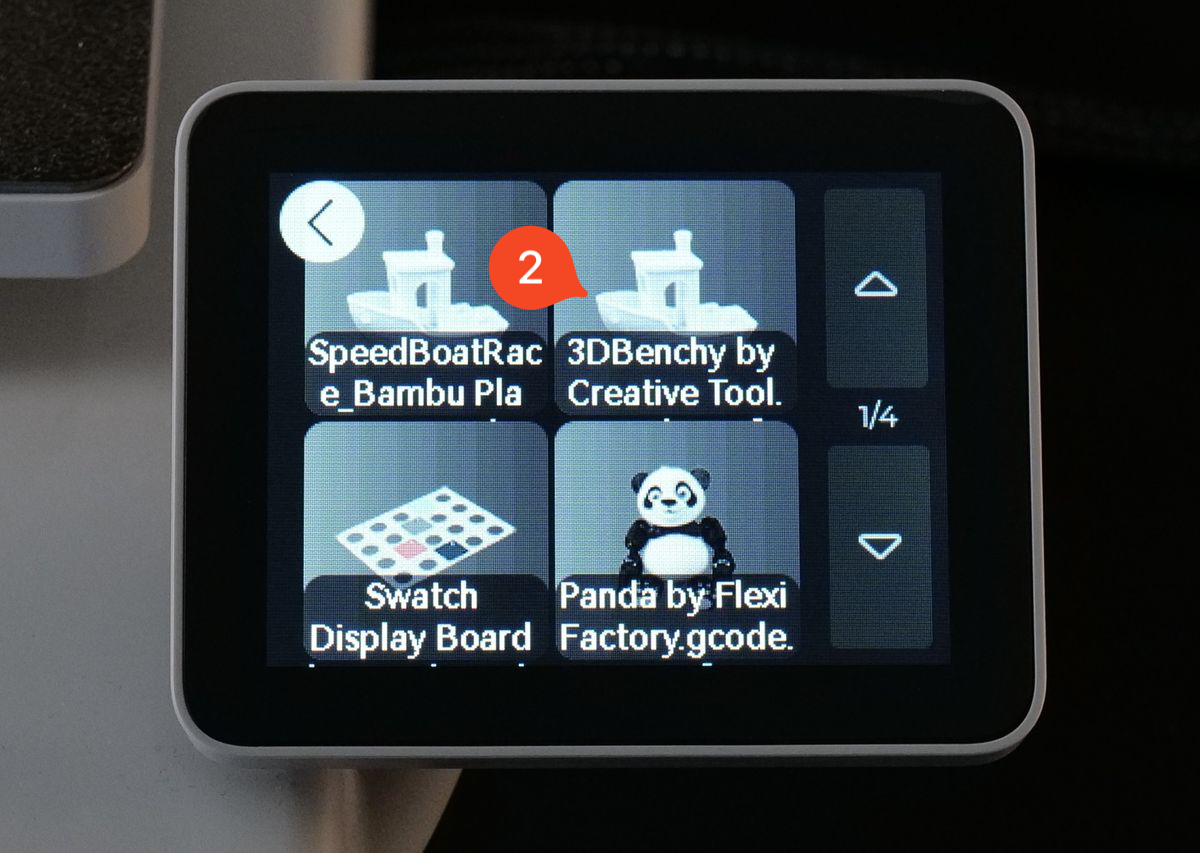
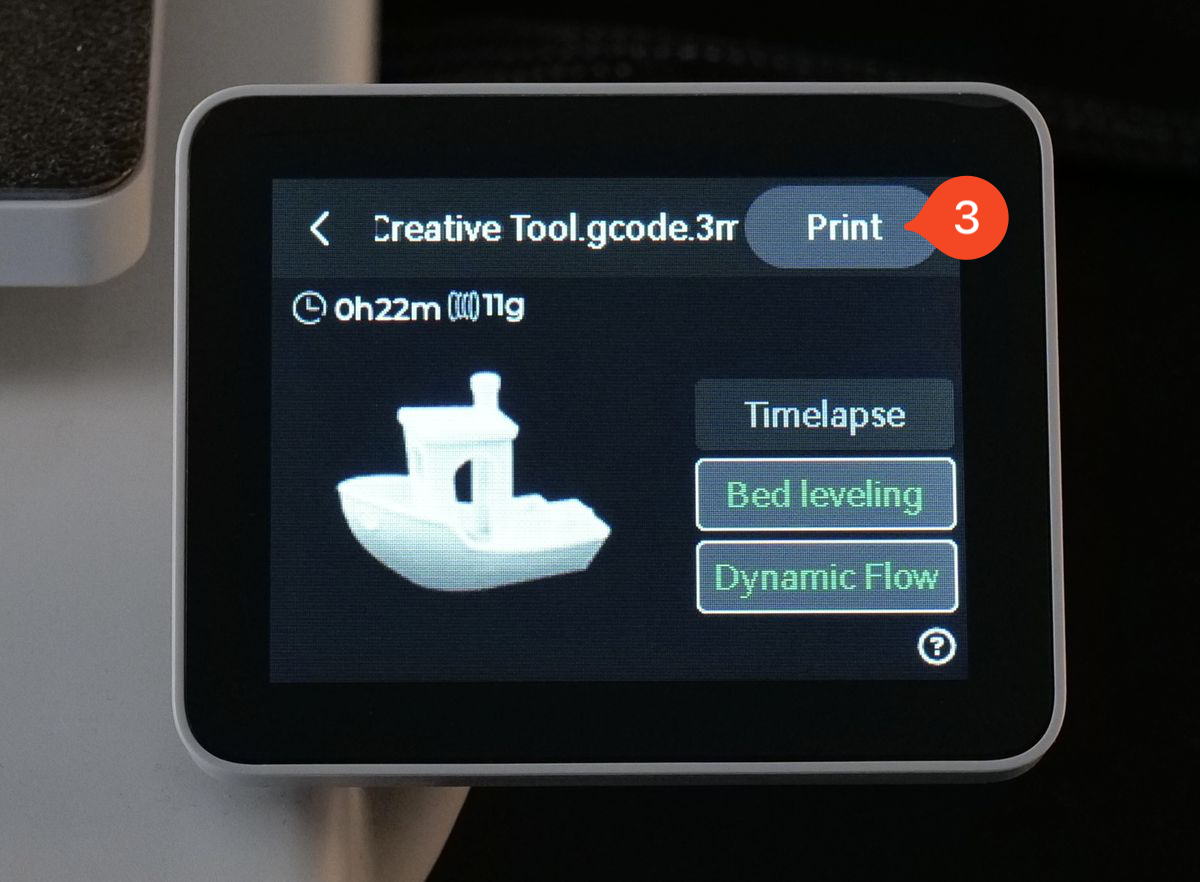
In the next screen, you can select different options for the print. For this case, we will use the defaults and simply start the print by tapping the Print button.
Once the Print button is tapped, the printer will begin preparing the job. The screen will then display relevant print information, as shown below.
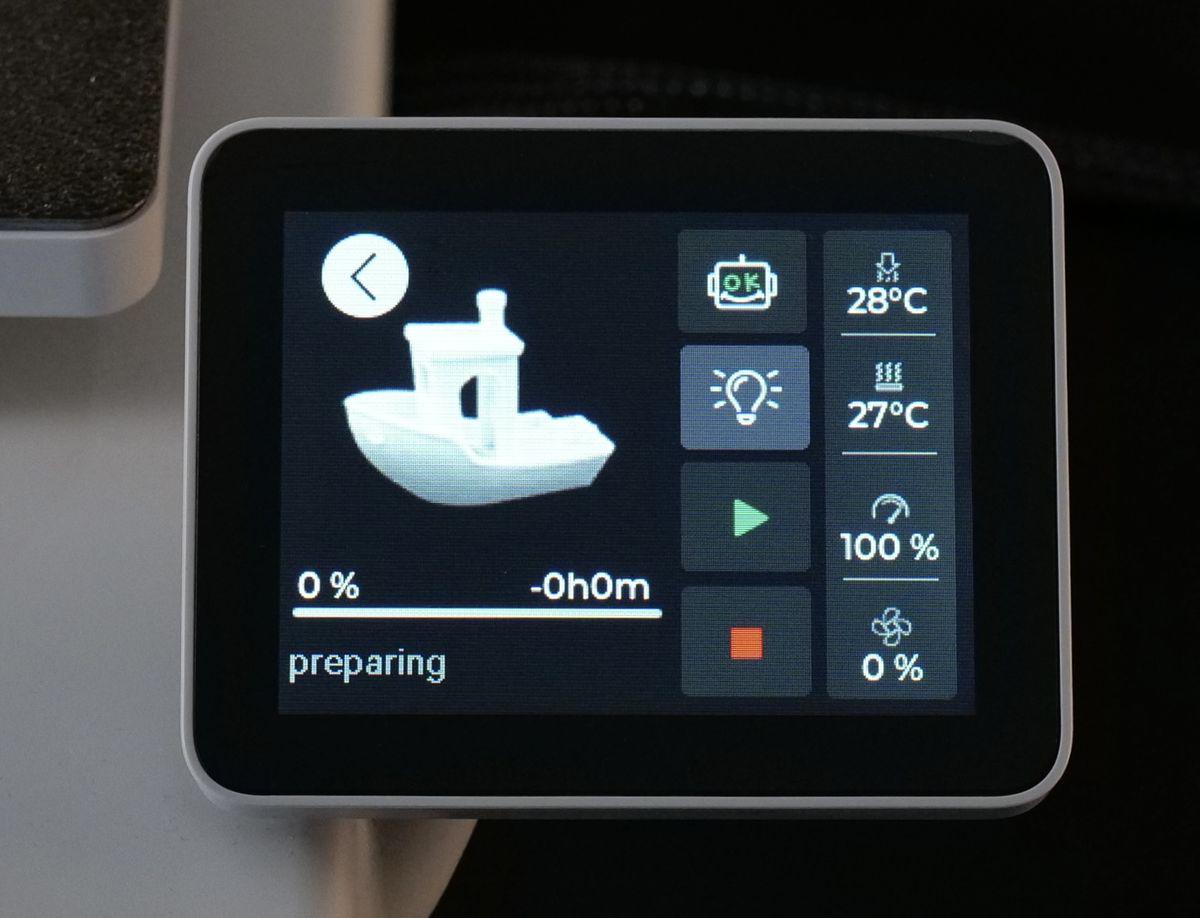
You will notice the printer performing its pre-print operations. The first one is to clean the nozzle by wiping it over the nozzle wiper to remove any excess filament. This step is crucial to prevent leftover filament from interfering with bed leveling, ensuring a precise first layer.
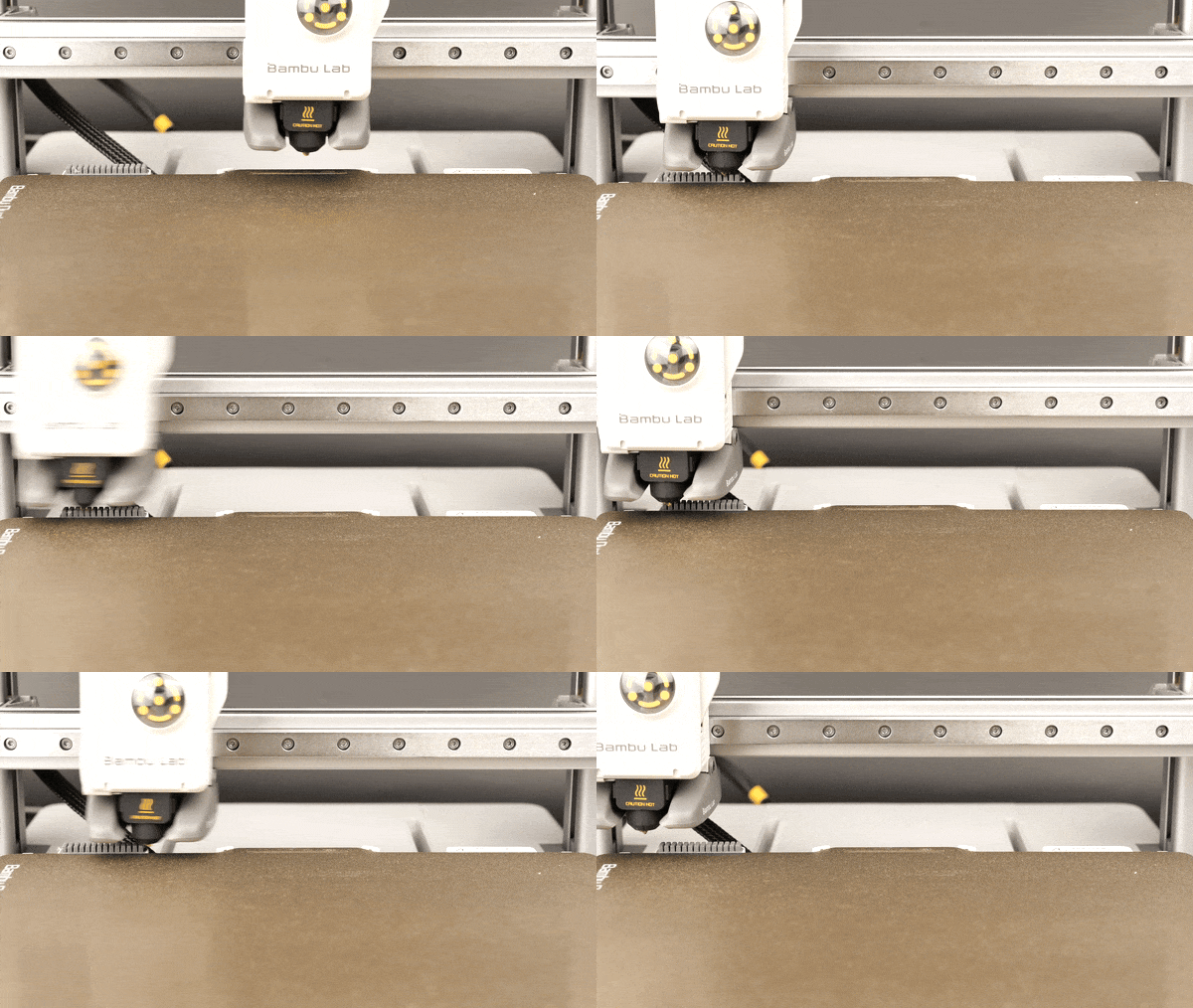
Multiple times during the operation, a nozzle wiping procedure is done on the back of the plate to ensure there is no filament attached to the top of the nozzle.
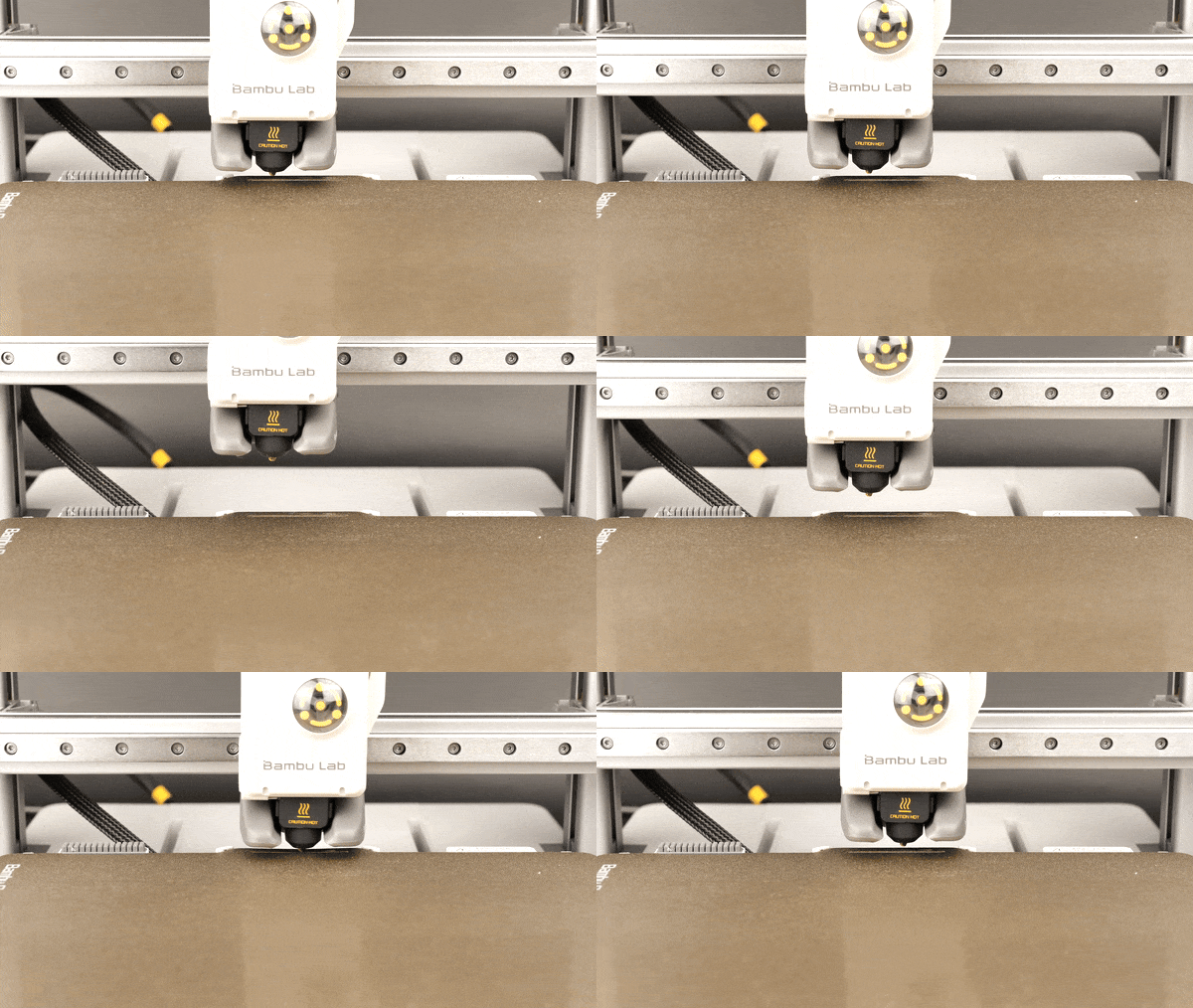
The next step is to perform the bed leveling procedure, where the nozzle touches the bed at multiple points. This helps ensure that the printer gets a good first layer, which is crucial for successful 3D printing.
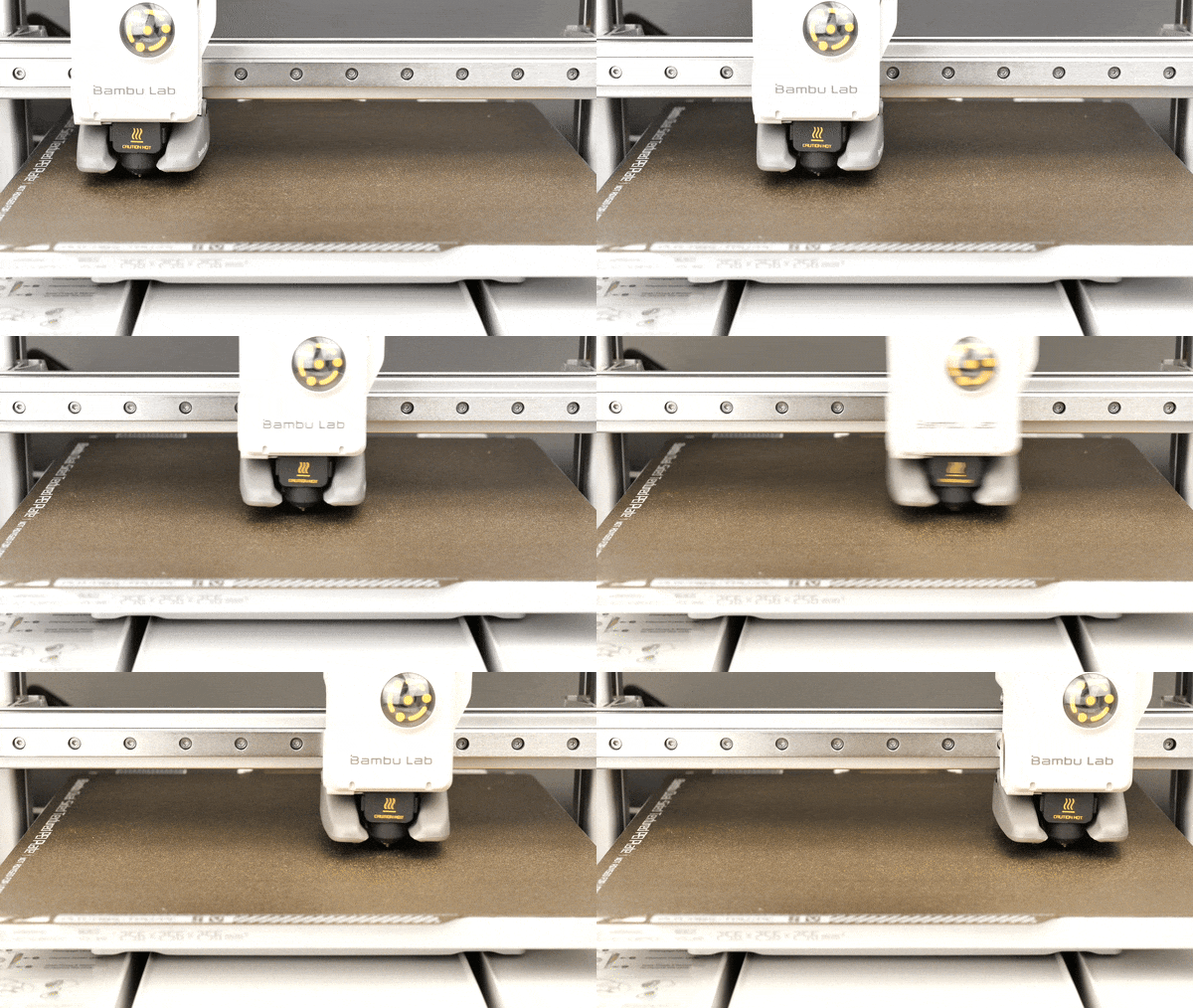
Finally, the printer will perform the Dynamic Flow calibration. In this step, filament will be extruded through the nozzle, and the sensors in the printer will measure the output to ensure a consistent flow during printing.
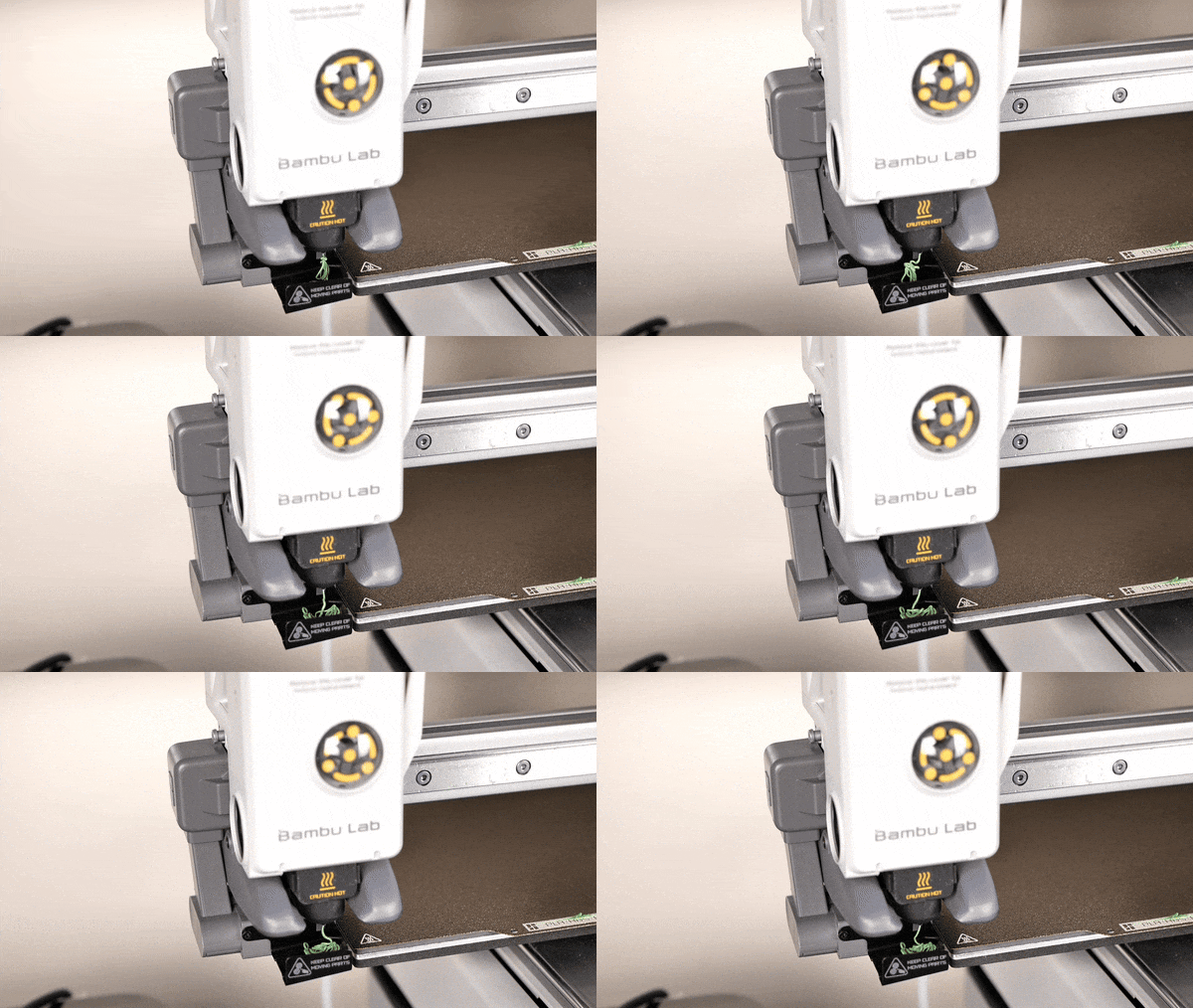
Once all the steps are complete, your print will start.
Important to remember
- The appropriate filament should be loaded before, to ensure the print is successful. If you are printing the included 3D Benchy, the PLA filament sample will be enough.
- If you have touched the surface of the golden Textured PEI Plate during setup, it is strongly recommended to wash it with warm water and dishwashing detergent before starting the print. This will ensure there is no grease or debris on it, and will minimize the chances of a print failure due to adhesion.
- Ensure the printer is supervised during the first print. If you start the print and there’s a print failure, stop the print process and try again.