Body Scanning with Raptor Pro
Part 2 / 7
Four-Part Body Capture
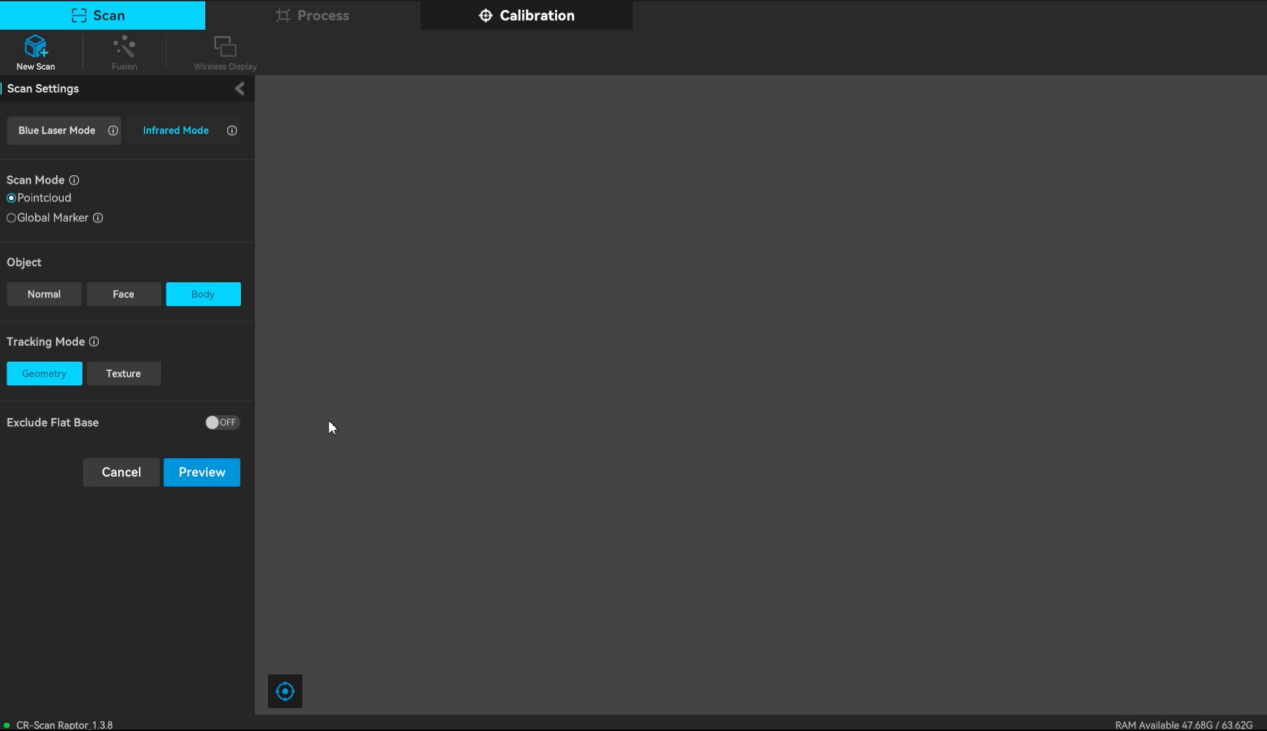
A full body scan needs a calm subject, a planned route, and a consistent distance. Use the Raptor Pro NIR workflow and divide the body into upper front, upper back, lower back, and lower front.
- Upper front: scan the face first, then avoid unnecessary return passes over the face.
- Upper back: transition from the side of the arms toward the back.
- Lower back: move down from the back and capture the backs of the legs.
- Lower front: move from the side of the leg to the front and complete the front leg data.
- Check missing areas before ending the scan.
Hair and Tracking
- Adjust exposure and distance if hair preview is sparse.
- Keep neck and shoulders in view to support tracking around the head.
- Move from ear to ear and over the crown instead of jumping randomly around hair.