NIR Mode for Large Subjects
Part 1 / 7
Use NIR for Scale and Movement
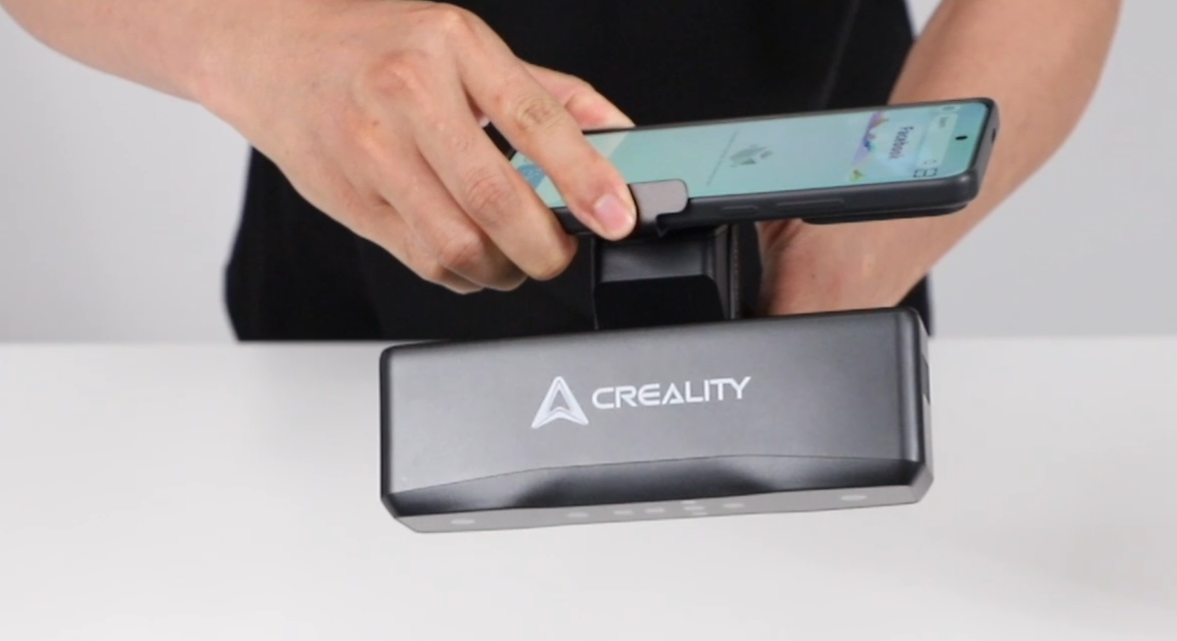
Raptor Pro NIR mode is suited to larger subjects and people. Creality lists a wide capture range at 1000 mm and a high measurement rate, making NIR useful when laser marker workflows are too slow or too restrictive.
- NIR accuracy is listed up to 0.075 mm.
- NIR single capture range is listed as 630 mm x 550 mm at 1000 mm.
- NIR working distance is listed as 170-1000 mm.
- For faces and bodies, preview exposure and point-cloud completeness before recording.
- Use geometry tracking where the body has enough stable shape reference.
When Not to Use NIR
Do not use NIR just because it is faster. For small mechanical details, tight tolerances, or shiny hard-surface objects, Raptor Pro blue laser modes may be the better choice.