Point-Cloud Fusion and Cleanup
Part 4 / 7
Clean Before You Fuse
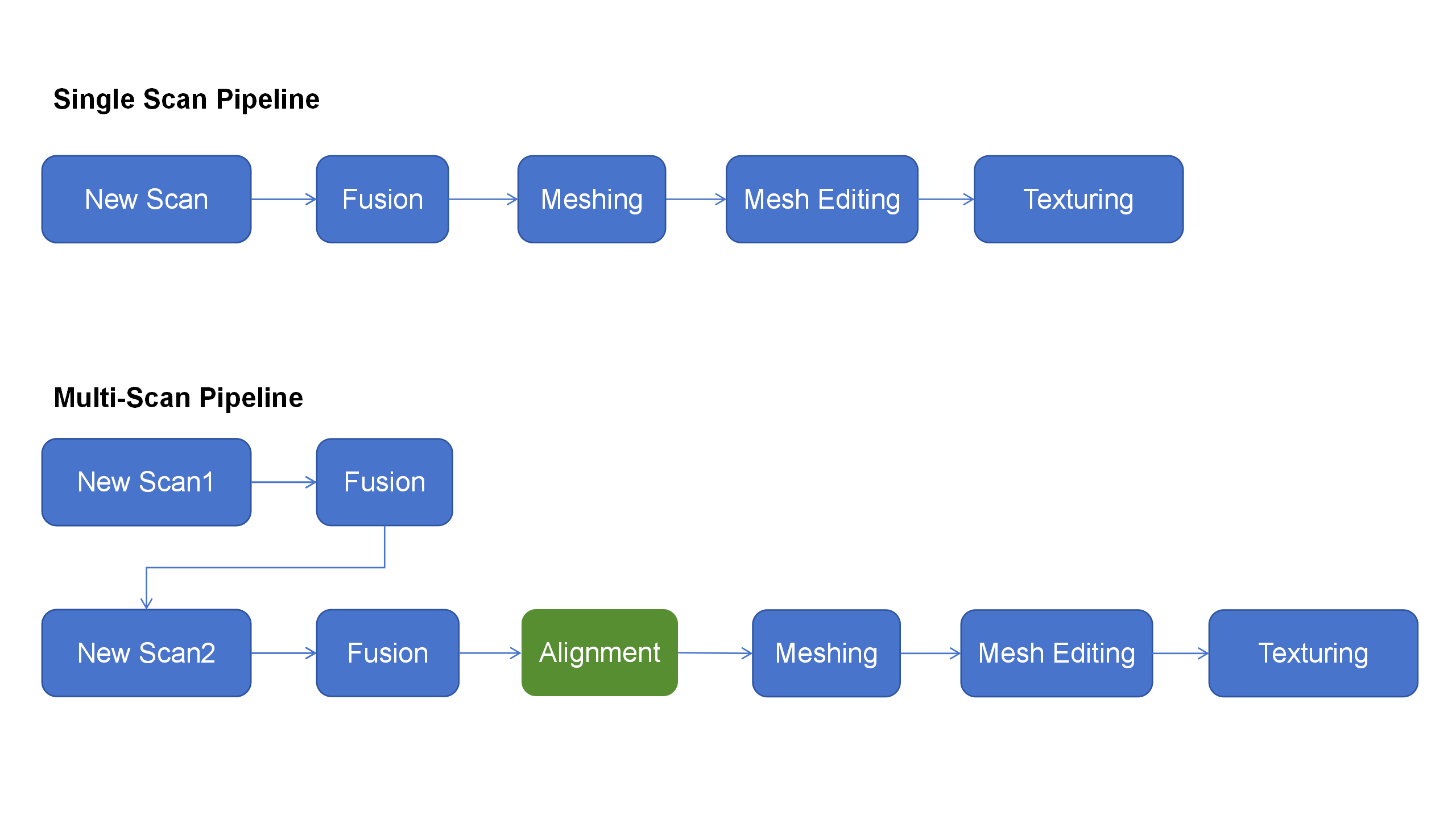
Delete obvious noise, table data, hand data, and support geometry before point-cloud fusion. Clean input makes the fused result easier to align, mesh, and repair.
- Use smaller point distances when detail matters.
- Use larger point distances for big body or vehicle-class captures where full shape is more important than tiny texture.
- For multi-session scans, clean each session before batch fusion.
- Do not rely on meshing to fix poor alignment or duplicate cloud edges.
Fusion Check
- Confirm the target is complete enough.
- Remove extra background points.
- Choose resolution for the final use case.
- Fuse point cloud and inspect for doubled surfaces.