Official Troubleshooting and Support Library
Part 6 / 7
Raptor Pro Troubleshooting Materials
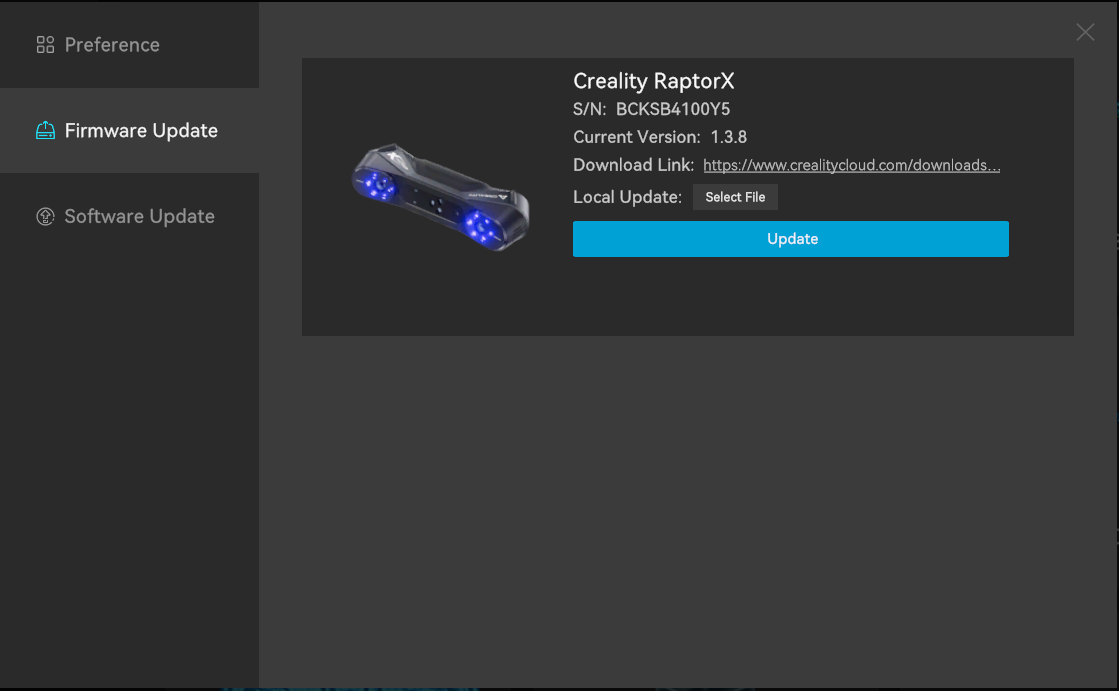
The Raptor Pro course should keep the device-specific troubleshooting library available, not just a short classroom checklist. Use these official pages when a connection, firmware, camera, wireless, or Scan Bridge problem appears.
Official Troubleshooting Topics
- USB disconnection after Windows updates: verify the Raptor cameras in Device Manager, avoid disconnecting during firmware updates, and follow Creality guidance for firmware update or Windows update rollback workflows.
- Raptor Pro fails to connect to Scan Bridge: Creality notes old Scan Bridge firmware version 1.1.2 or below can cause recognition problems; update Scan Bridge firmware to 1.1.3 or above with a current CrealityScan version.
- Camera parameter or device verification failure: check USB cable stability, restart scanner firmware, run factory reset only over USB, and contact Creality with SN code, scanner logs, and operation history if matching data is unavailable.
- Wireless preview stripe or missing preview: use the wireless preview troubleshooting page for Raptor and RaptorX class issues that can also inform Raptor Pro Scan Bridge classes.
- IR camera preview failure: Creality associates some IR preview failures with firmware upgrades from very old firmware; use Android, Mac, or Scan Bridge firmware upgrade paths when recommended.
- Disconnection troubleshooting: keep the Raptor disconnection page available for cable, USB, driver, firmware, and software checks.
Support Package for Any Ticket
- Raptor Pro model name and serial number.
- CrealityScan version and scanner firmware version.
- Computer operating system, CPU, GPU, memory, and connection method.
- Screenshot of the exact error, scanner logs, calibration result, and steps that created the issue.
- Whether the issue occurs over USB, wireless Scan Bridge, or both.