Raptor Pro Troubleshooting Playbook
Part 7 / 7
Troubleshoot in Order
Use a consistent order so students do not chase the wrong problem: connection, preview, exposure, markers, tracking, calibration, then processing.
Common Fixes
- No scanner detected: check USB 3 connection, power, camera permissions, and firmware notes.
- No preview: check computer requirements, power adapter, camera access, and adapter quality.
- Not enough markers: add random markers in the weak zone and check exposure.
- Sparse surface: adjust distance, exposure, brightness, angle, or surface prep.
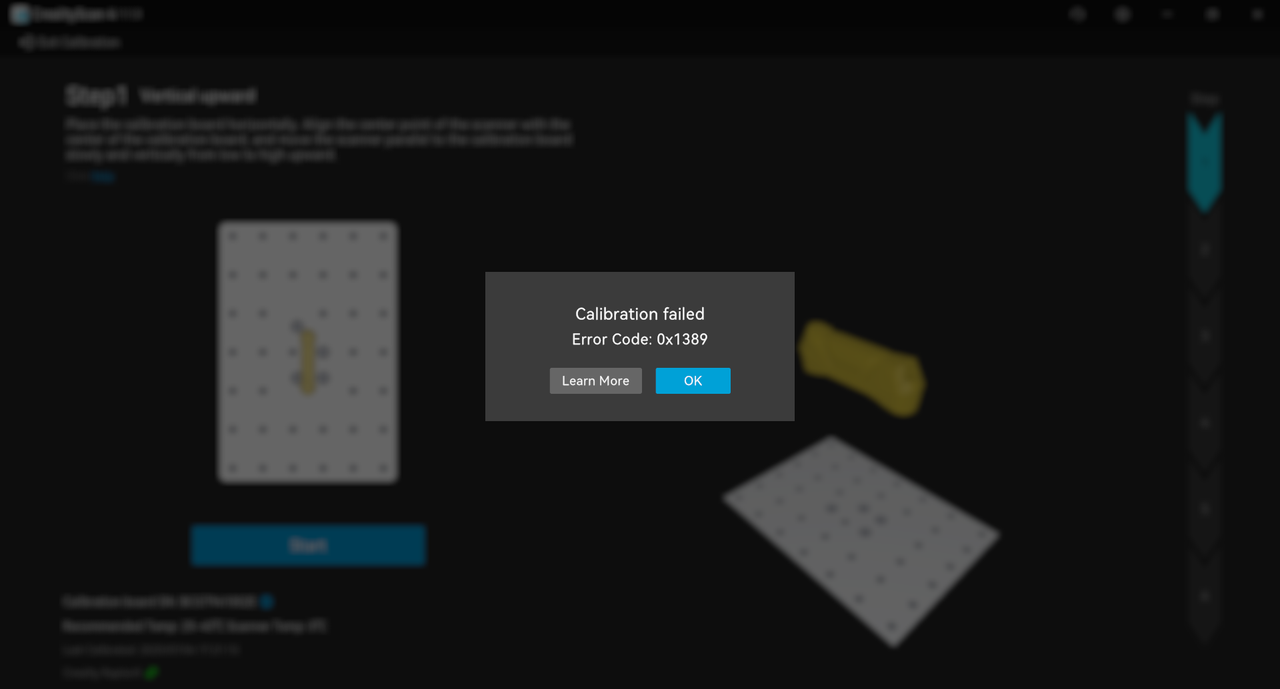
- Calibration failure: save the error code, screenshot, and software logs.
- Bad mesh: go back to cloud cleanup or alignment instead of over-repairing the mesh.
Support Package
- Raptor Pro model and serial number.
- CrealityScan version and firmware version.
- Operating system and computer specs.
- Screenshots, logs, and exact reproduction steps.