Official Raptor Pro Materials and Specifications
Part 2 / 8
Complete Device Material Set
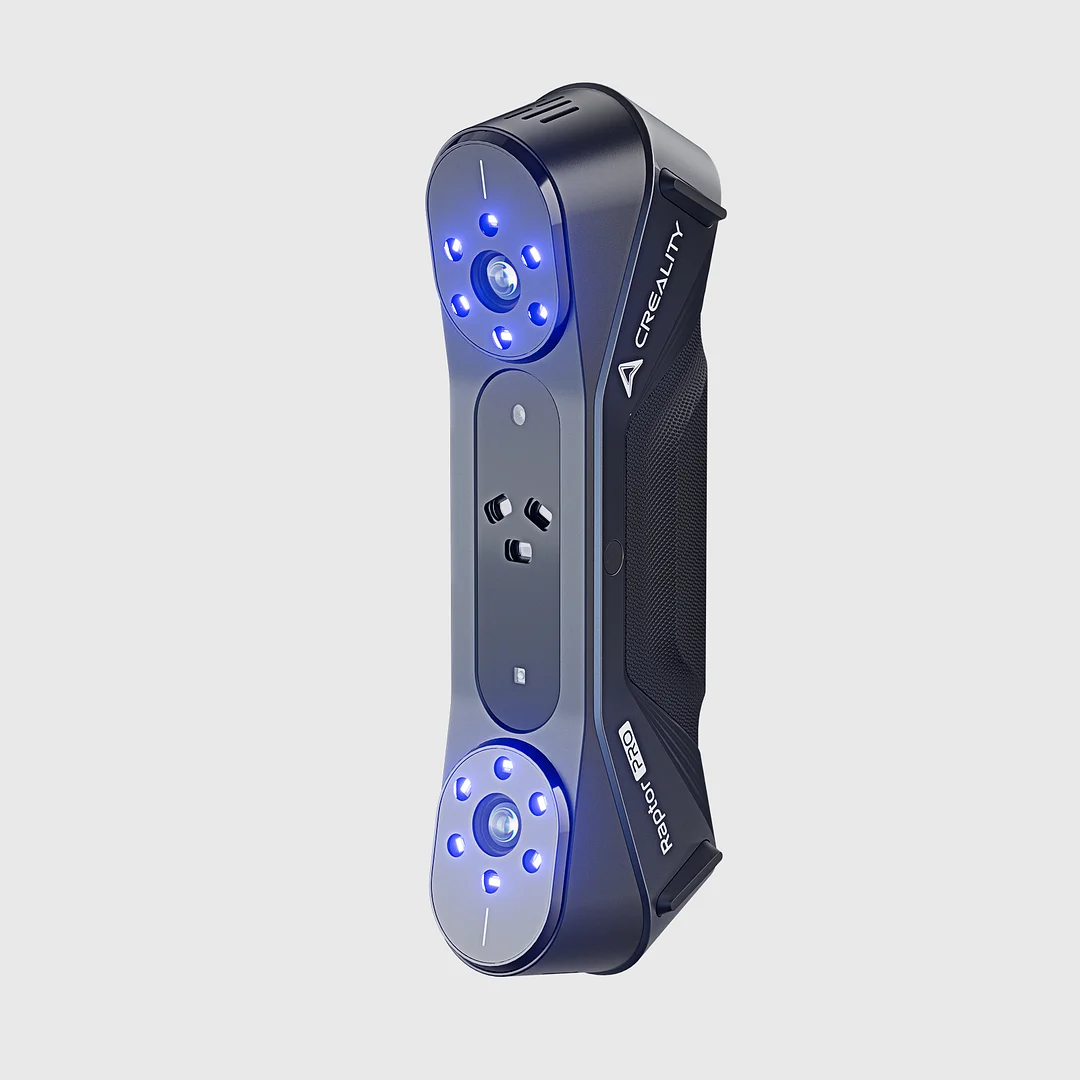
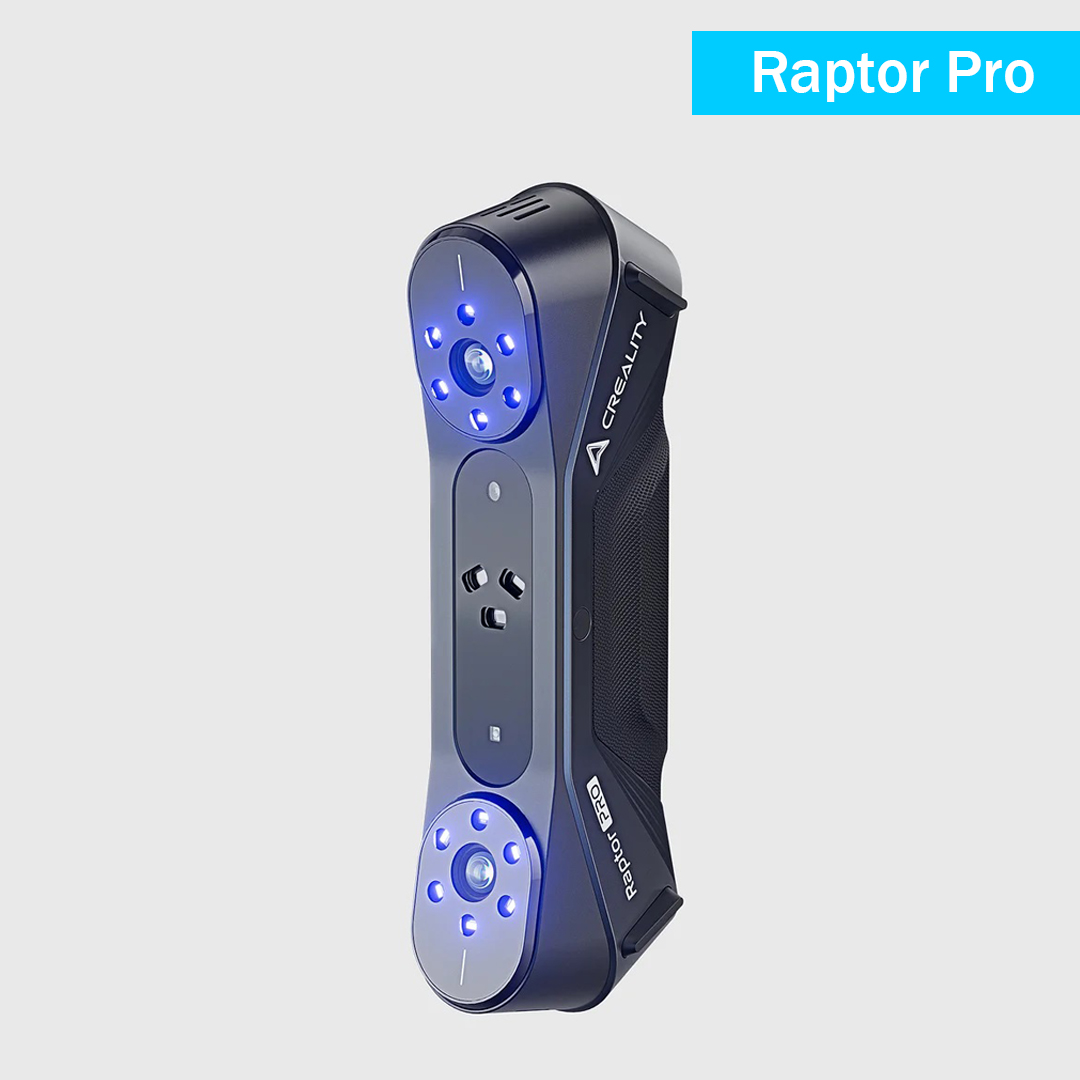
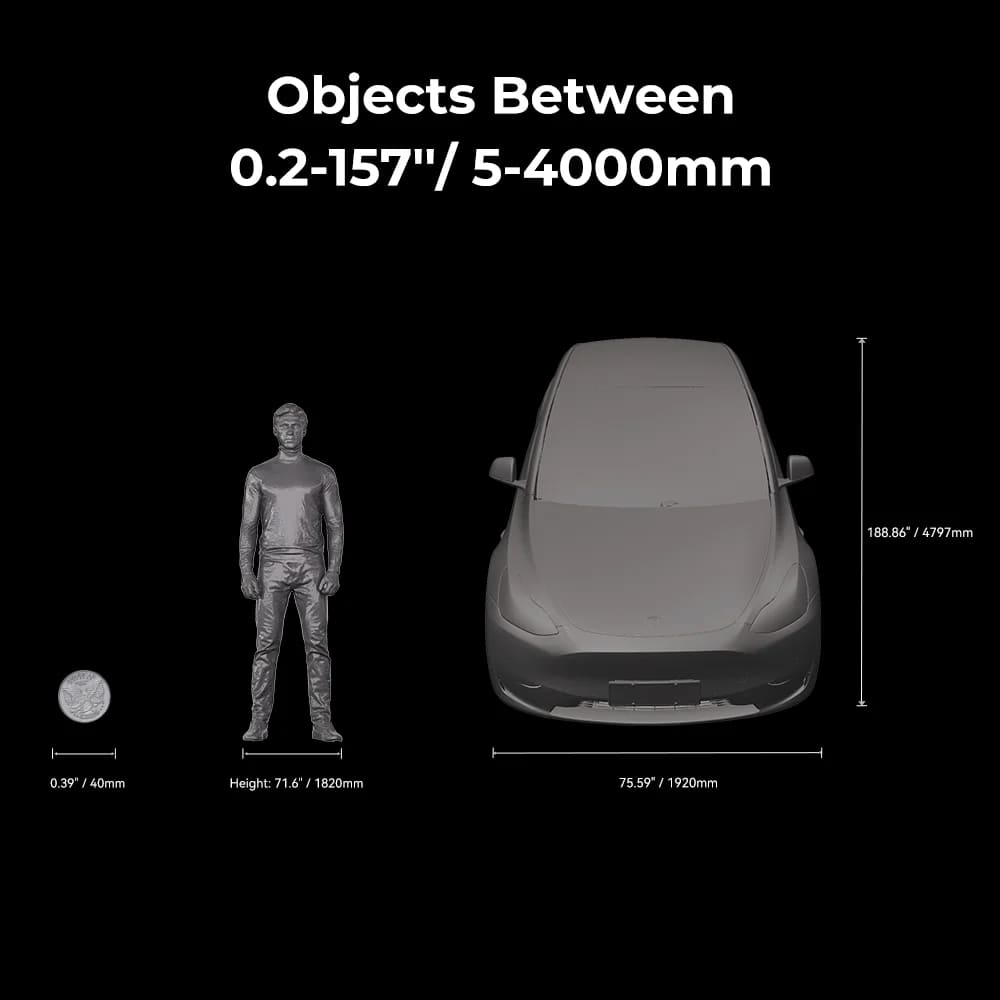
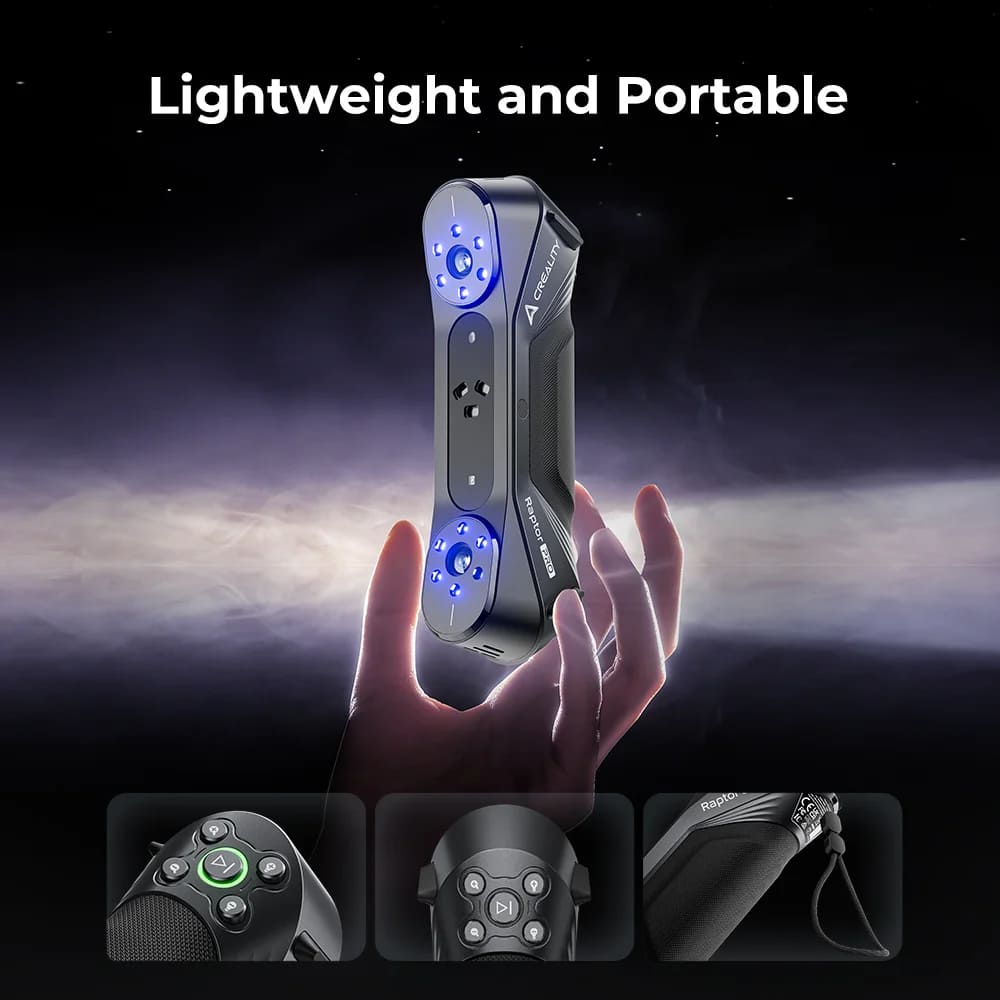
This lesson keeps the official Raptor Pro product material in one place: product photos, specification limits, download resources, wiki quick-start material, software manual references, troubleshooting links, and support paths.






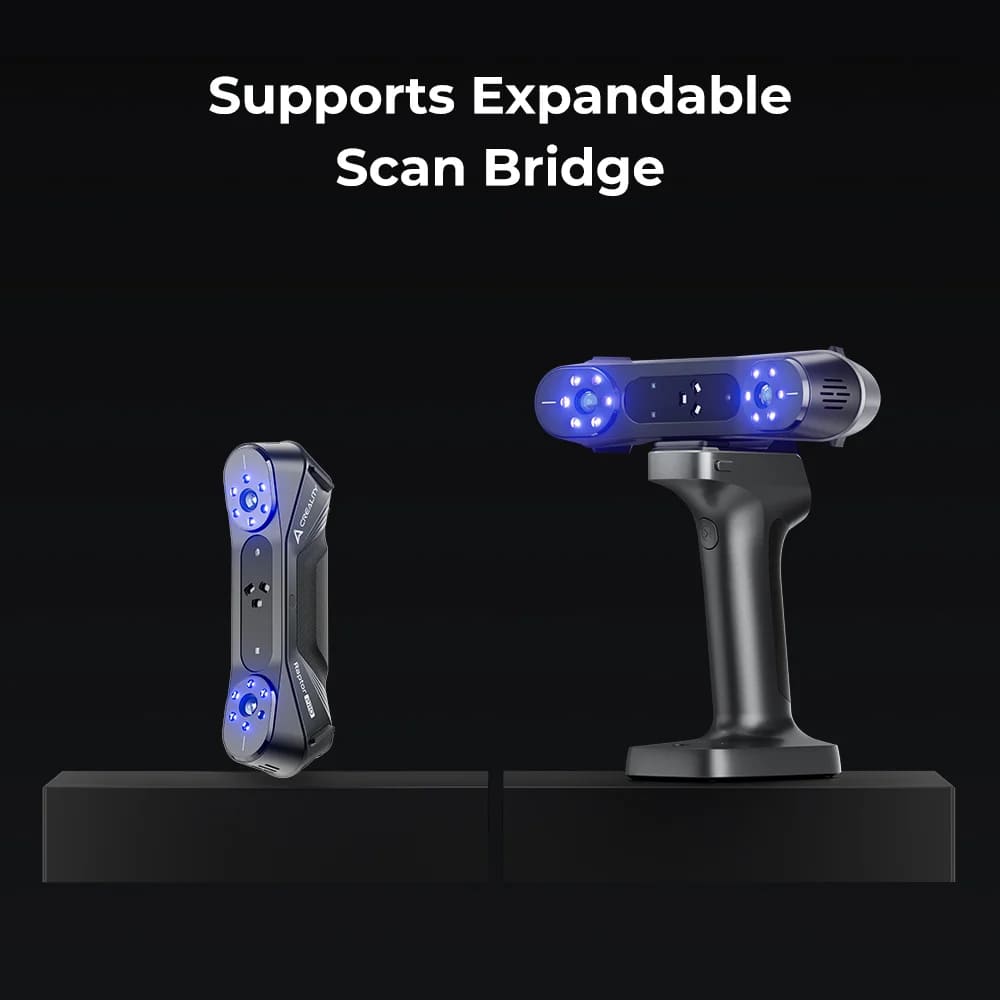
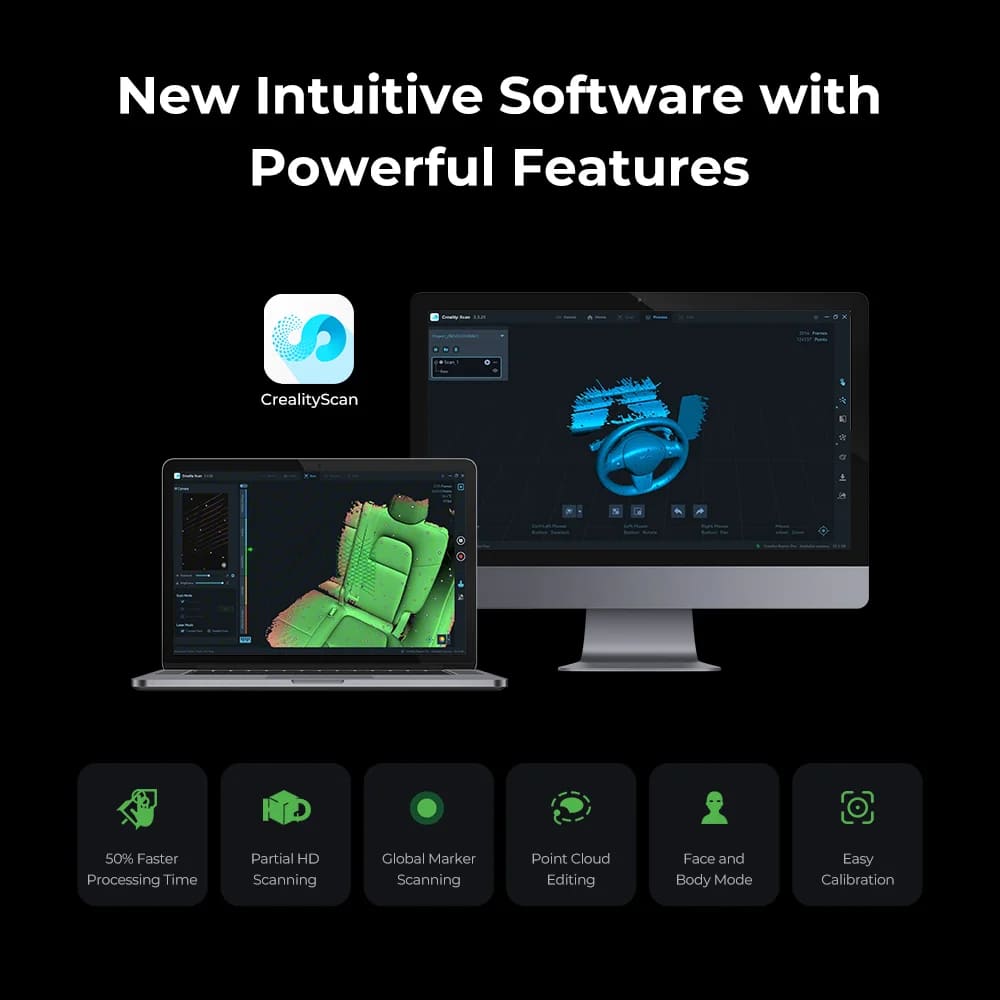
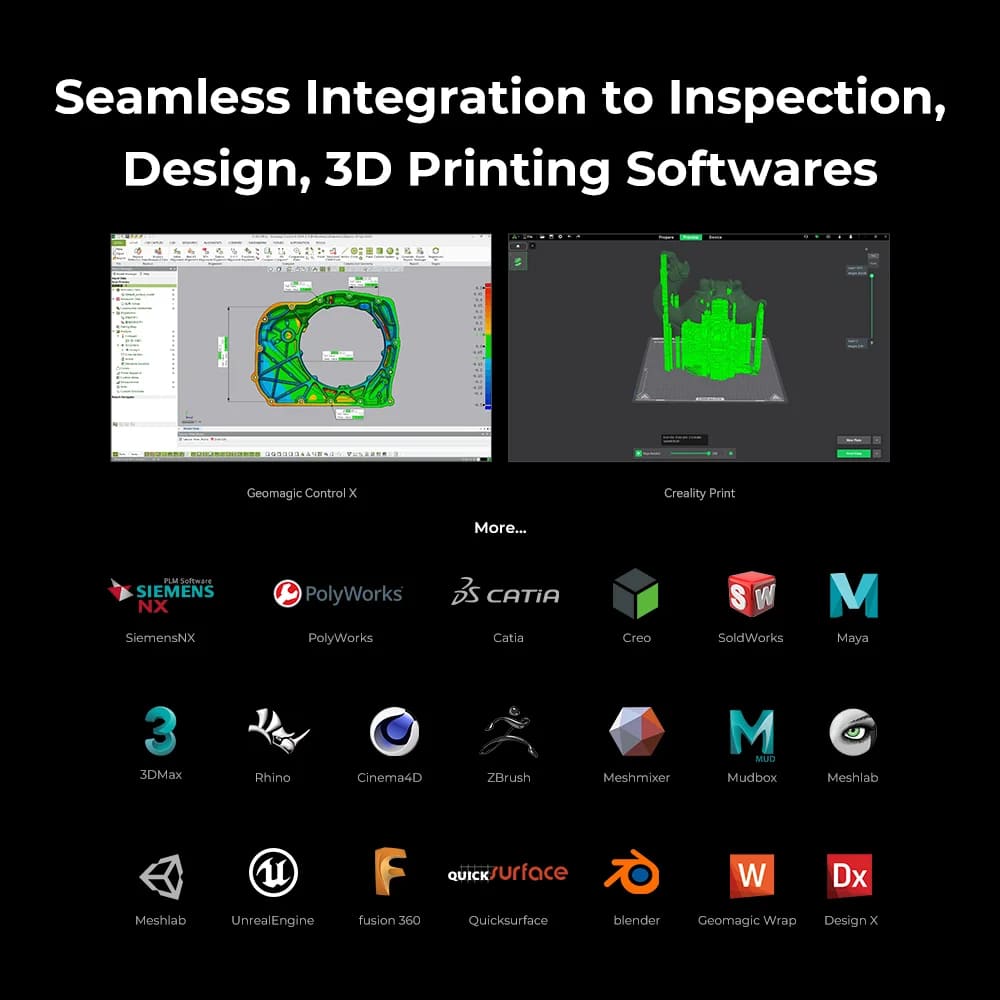


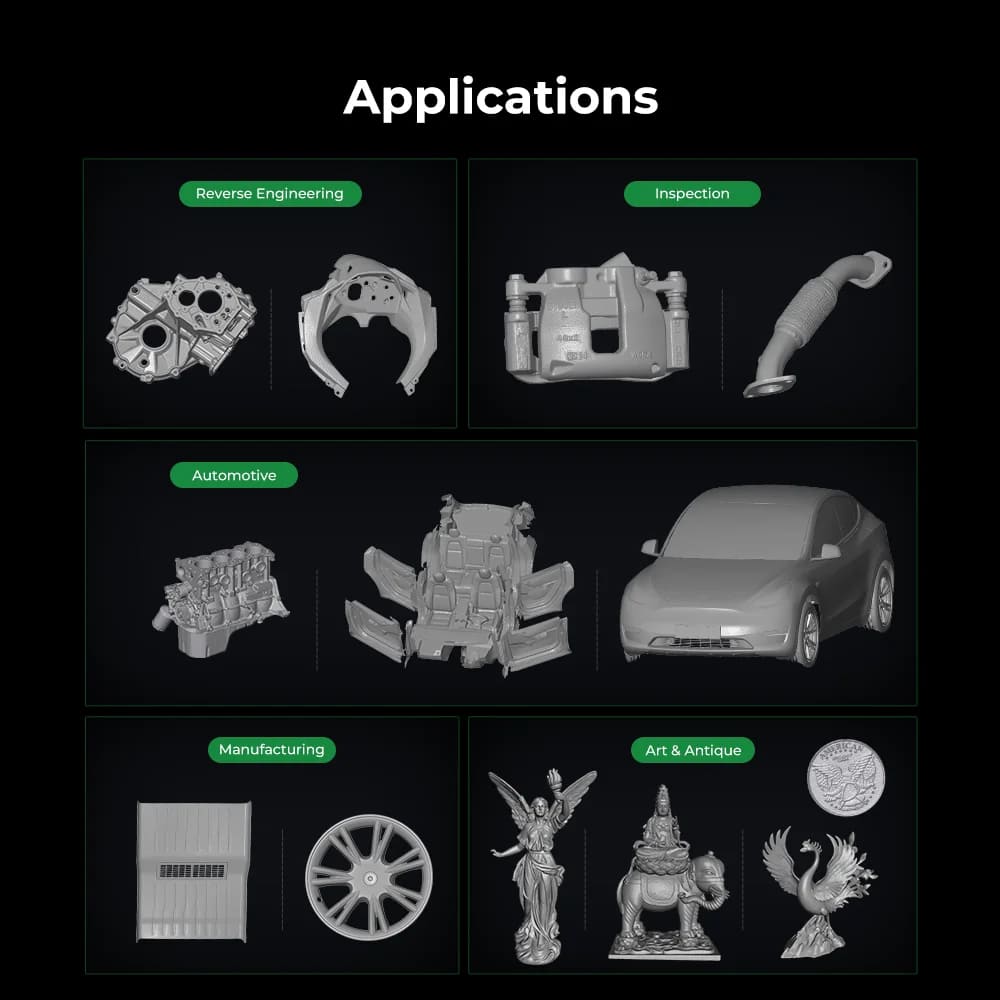


Blue Light Mode Specifications
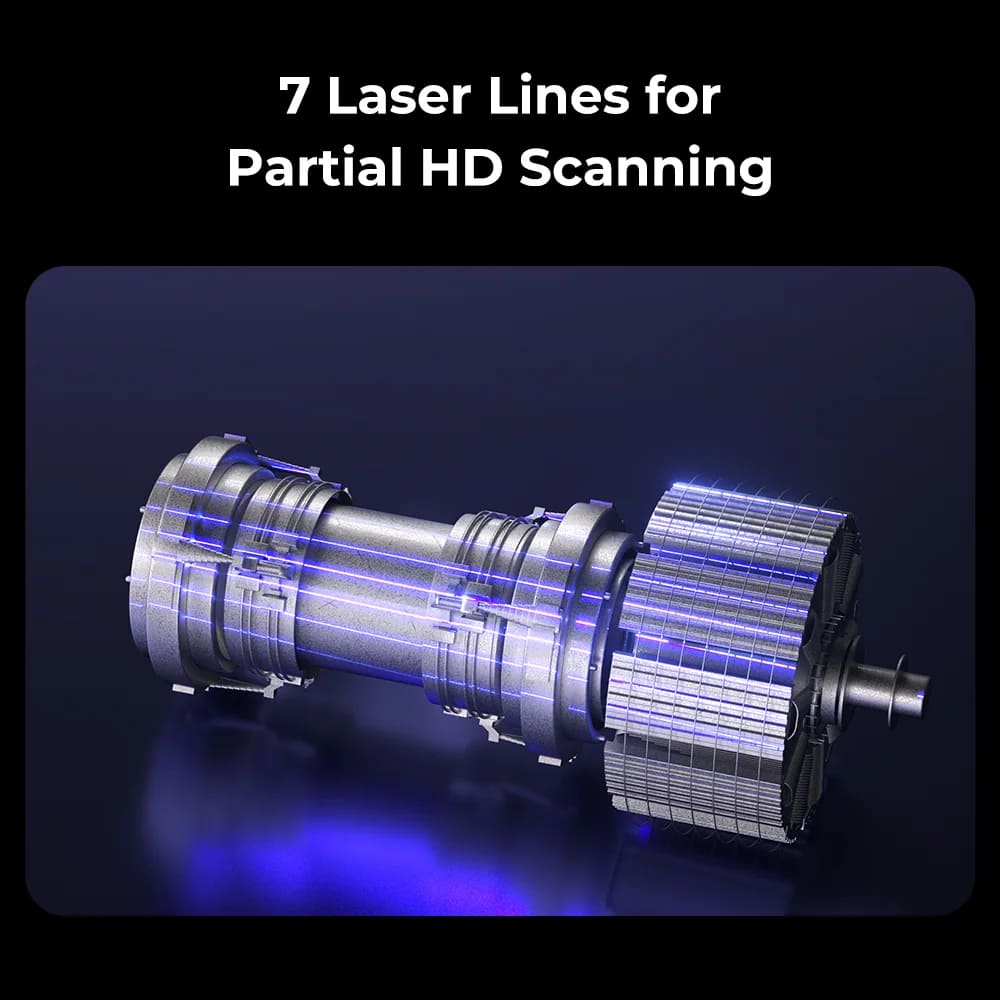
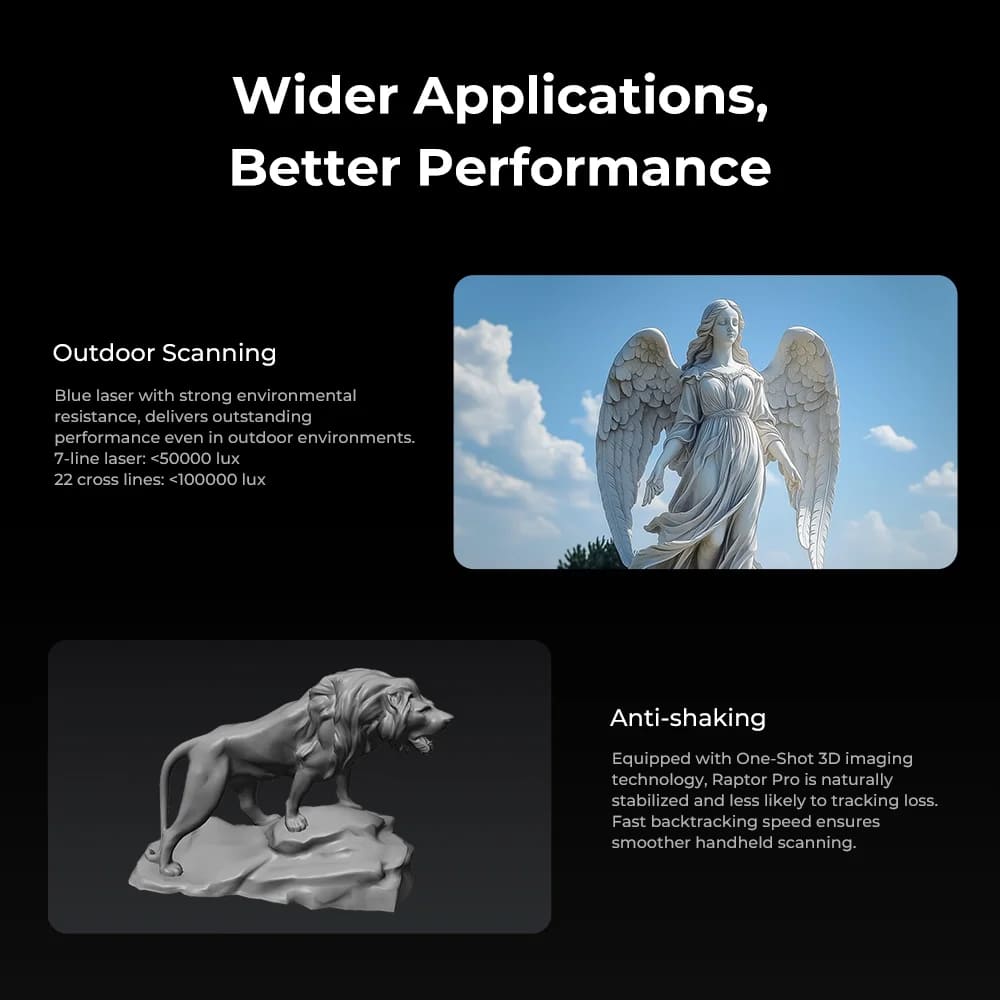
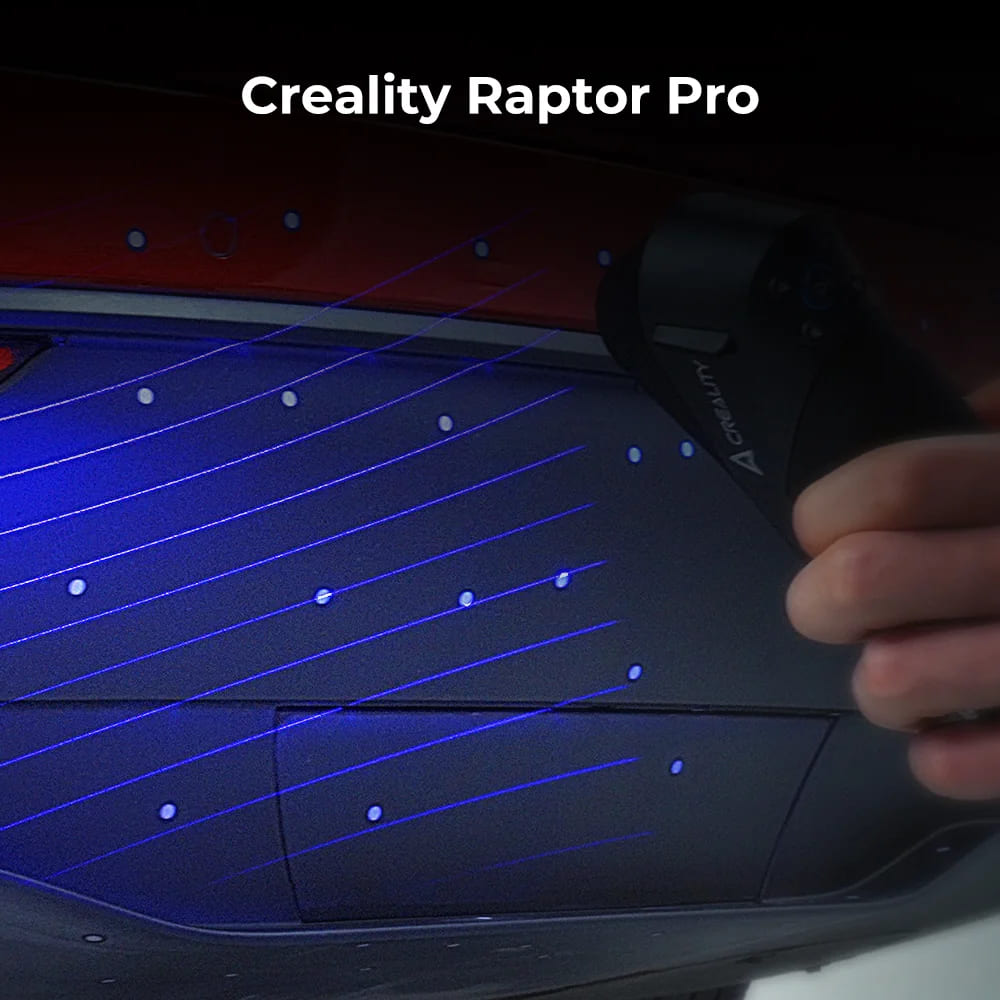
- Scanning modes: 7 blue parallel laser lines and 22 cross blue laser lines.
- Accuracy: up to 0.02 mm.
- Volumetric accuracy: 0.02 + 0.08 mm/m.
- Scanning speed: 420,000 measurements/s for 7-line mode and 660,000 measurements/s for 22-cross-line mode.
- Single capture range: 270 mm x 170 mm at 300 mm; 22-cross-line mode also lists 341 mm x 232 mm at 400 mm and 397 mm x 290 mm at 500 mm.
- Working distance: 160-400 mm for 7-line mode and 200-550 mm for 22-cross-line mode.
- Outdoor scanning guidance: below 50,000 lux for one blue-light workflow and below 10,000 lux for the other, based on the official product specification block.
NIR Mode Specifications
- Scanning mode: NIR infrared binocular structured light.
- Accuracy: up to 0.075 mm.
- Volumetric accuracy: 0.075 mm + 0.1 mm/m.
- Scanning rate: 3,580,000 measurements/s.
- Single capture range: 630 mm x 550 mm at 1000 mm.
- Working distance: 170-1000 mm.
- Outdoor scanning guidance: below 30,000 lux.
Computer and Wireless Requirements
- Recommended Windows system: Windows 10/11 64-bit, i7 Gen10 or above, NVIDIA GPU with 8 GB VRAM or above, and 32 GB RAM or above.
- Minimum Windows system listed by Creality: i7 Gen7, NVIDIA GPU with 6 GB VRAM, and 16 GB RAM.
- macOS support: macOS 11.7.7 or newer on Apple M1/M2/M3 series processors with 16 GB RAM or above.
- Wireless scanning is listed as supported.
Official Material Checklist
- Product page and official product image gallery.
- Raptor Pro download page and user manual PDF.
- Raptor Pro wiki quick-start page and full manual image pages.
- Raptor series software manual for installation, calibration, scan settings, tracking, processing, alignment, color mapping, and firmware upgrade.
- Raptor series troubleshooting library, including USB update issues, Scan Bridge connection, camera parameter errors, wireless preview issues, IR camera preview failure, and disconnection troubleshooting.