First Raptor Pro Scan
Part 8 / 8
First Scan Workflow
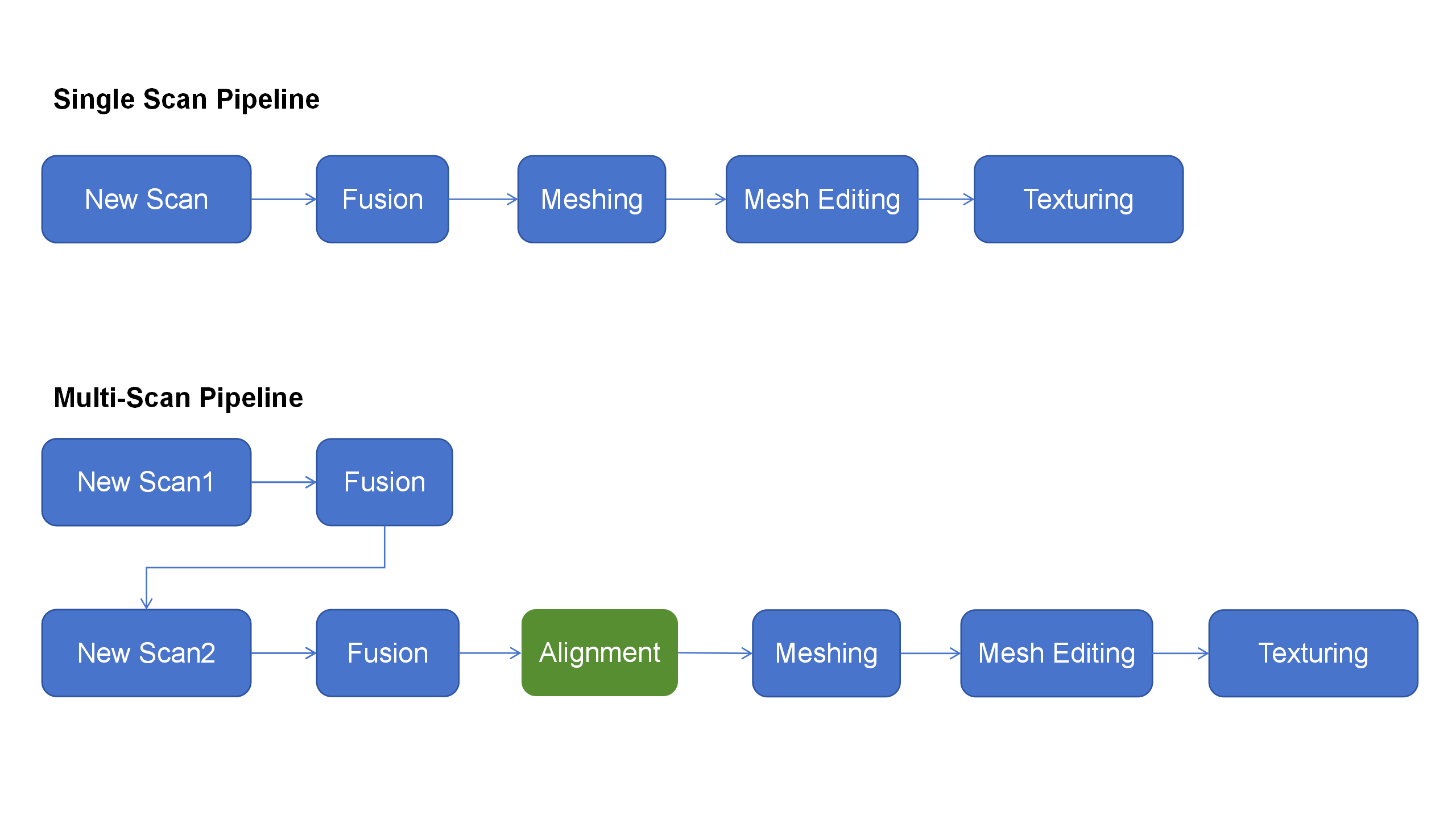
For the first class scan, use a matte object with clear geometry. Keep the job simple so students learn preview, distance, exposure, movement, cleanup, fusion, and meshing without fighting the material.
- Choose the mode from the object size and required accuracy.
- Place markers before blue laser scanning.
- Preview the object and tune exposure until markers and surface data are visible without overexposure.
- Move smoothly and keep previously scanned geometry or markers in view.
- Pause and recover tracking from a known good area if tracking drops.
- Clean stray points, fuse the point cloud, mesh, and inspect scale and holes.
Pass Criteria
- The scan has no obvious drift or duplicated surfaces.
- Important features are captured before ending the scan.
- Background, hands, and platform noise are deleted before fusion.
- The exported model format matches the next workflow.