Choose Between 7-Line, 22-Cross, and NIR Modes
Part 7 / 8
Mode Selection
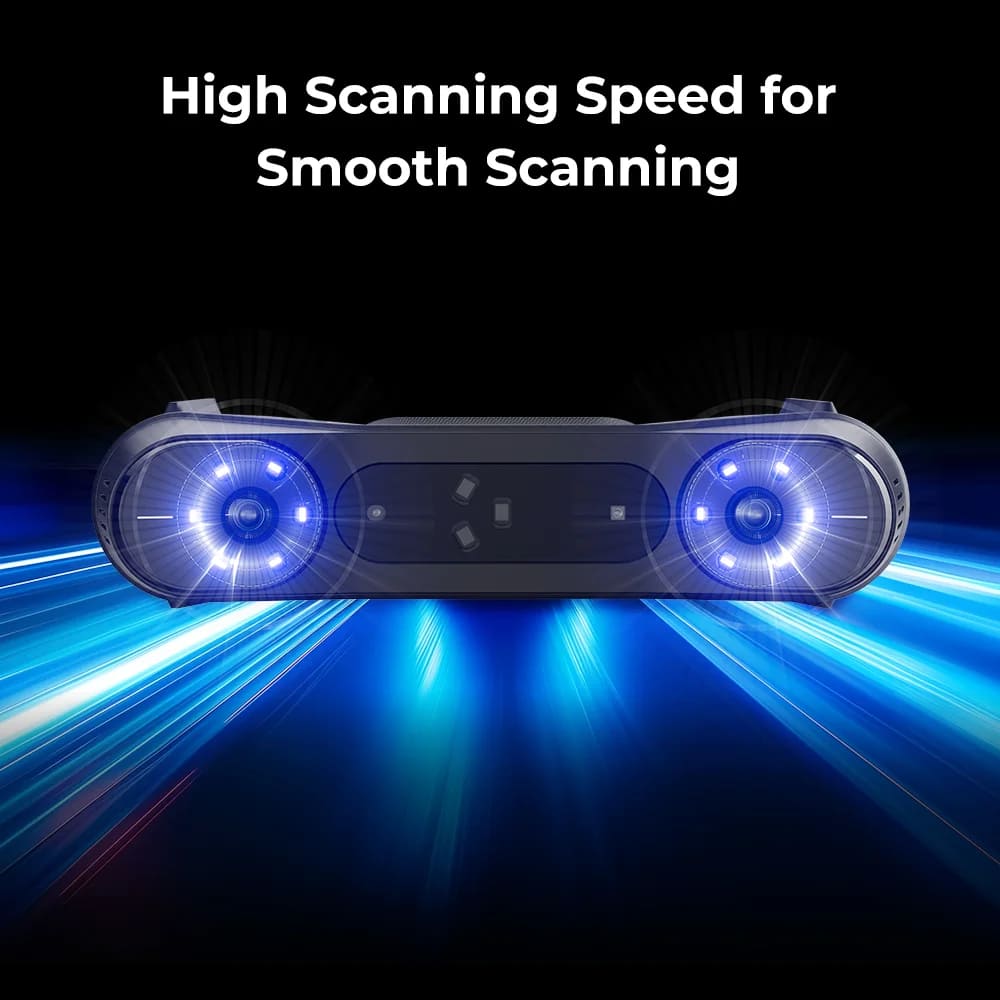
Raptor Pro is strongest when the scan mode matches the subject. Pick the workflow before placing markers or setting exposure.
- 7 blue parallel laser lines: use for high-detail partial scanning, small features, and controlled precision work.
- 22 cross blue laser lines: use for faster laser capture, smoother sweeps, and larger parts that still need laser-grade data.
- NIR structured light: use for people, larger objects, and markerless geometry workflows where the blue laser is not the best fit.
- Marker mode: required for blue laser scanning and useful when geometry or texture tracking is weak.
Working Ranges
- Blue laser working distances are listed as 160-400 mm for the parallel mode and 200-550 mm for cross laser mode.
- NIR working distance is listed as 170-1000 mm.
- Cross laser capture range grows from 270 mm x 170 mm at 300 mm to larger capture windows at 400 mm and 500 mm.