Calibrate Raptor Pro Before Precision Scans
Part 6 / 8
Calibration Standard
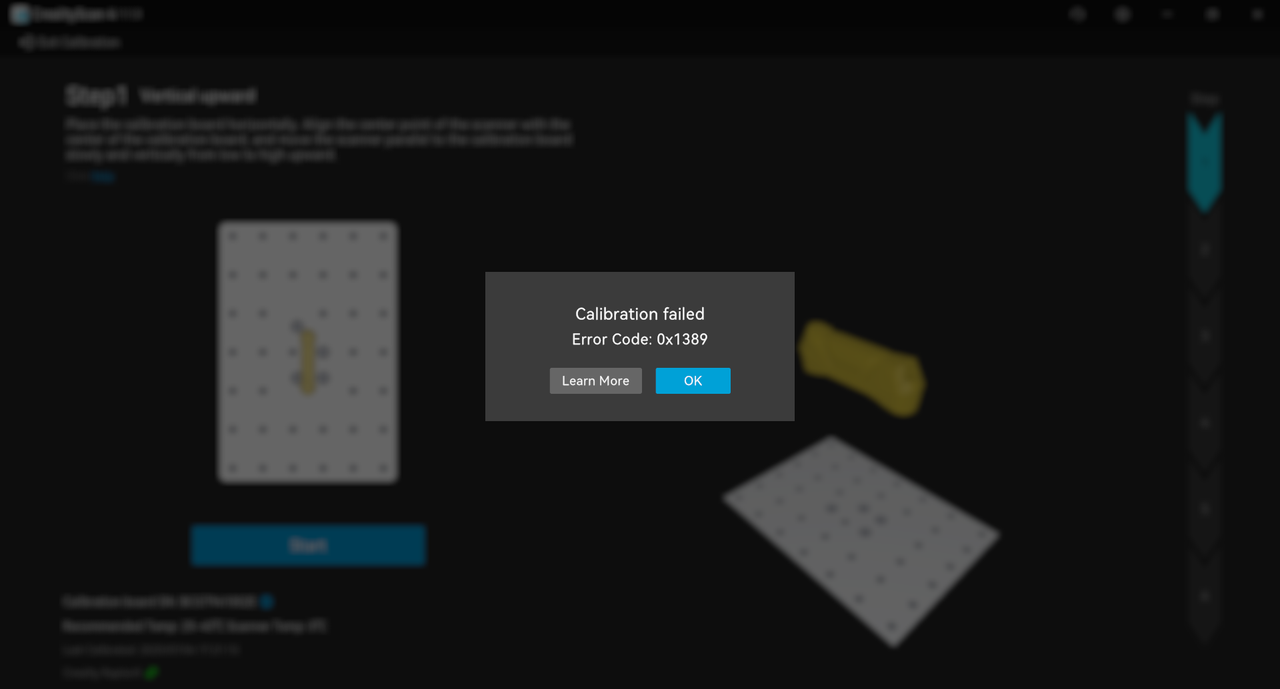
Use the calibration board when the scanner has been bumped, transported, stored for a long period, or used for a precision job. For high-accuracy work, warm up the scanner before calibration and scan only after calibration succeeds.
Calibration Routine
- Connect Raptor Pro and open CrealityScan.
- Let the scanner warm up for precision work.
- Place the calibration board in stable lighting.
- Follow the animated calibration prompts.
- Record any error code if calibration fails.
If Calibration Fails
- Check that the board is clean and visible.
- Confirm the scanner is not moving during calibration.
- Save screenshots, software logs, and the visible error code for support.
- Do not proceed to metrology-style work until calibration is stable.