22 Cross Blue Laser Lines for Speed
Part 3 / 8
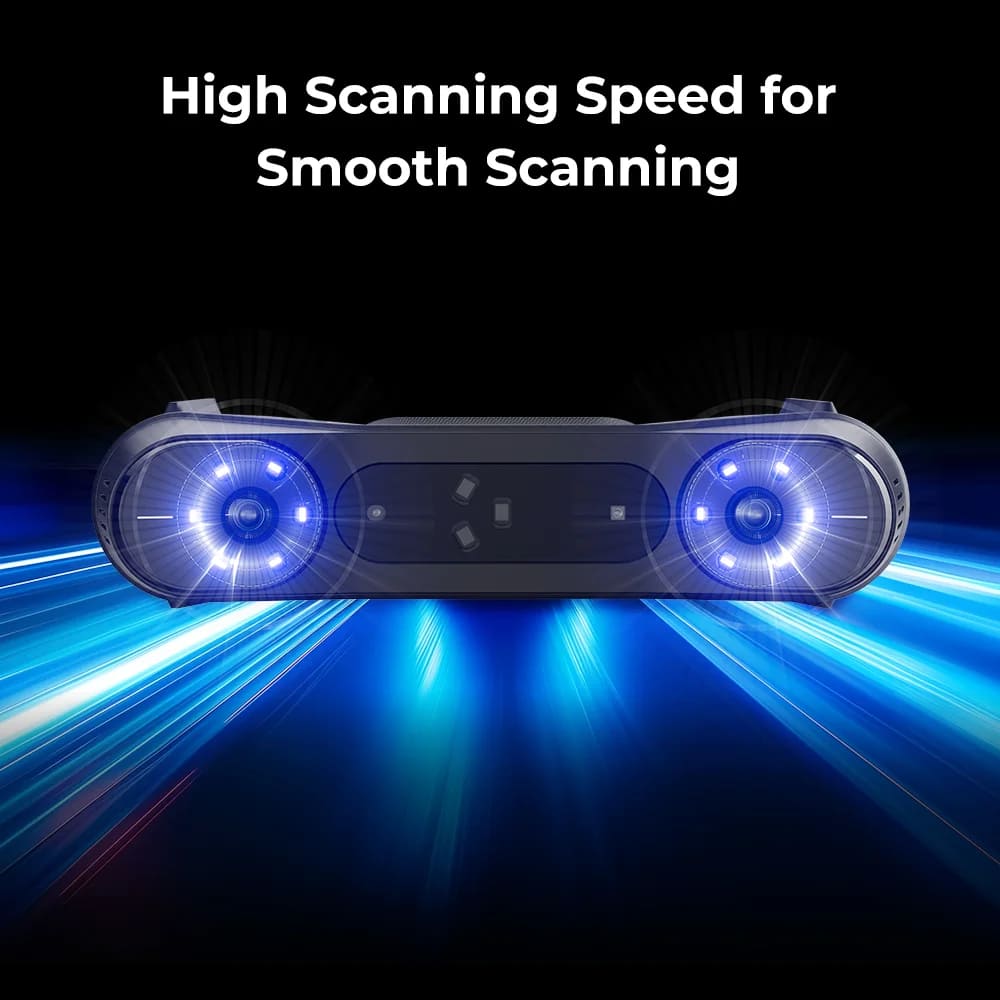
Use Cross Lines for Broad Laser Capture
The 22-cross-line workflow is the faster laser option. It keeps laser-grade capture while covering more area per motion, making it useful for larger hard-surface objects and smoother classroom demos.
- Creality lists cross laser scanning speed at 660,000 measurements per second.
- The product page lists larger single-capture windows at 400 mm and 500 mm working distances.
- Use random markers across the object or platform so adjacent frames keep enough shared reference points.
- Use this mode when students need a complete part scan faster than the 7-line workflow.
Instructor Checkpoint
Have students compare 7-line and 22-cross captures on the same object. The goal is to see how speed, capture width, marker spacing, and fine-detail control change between workflows.