7 Blue Parallel Laser Lines for Detail
Part 2 / 8
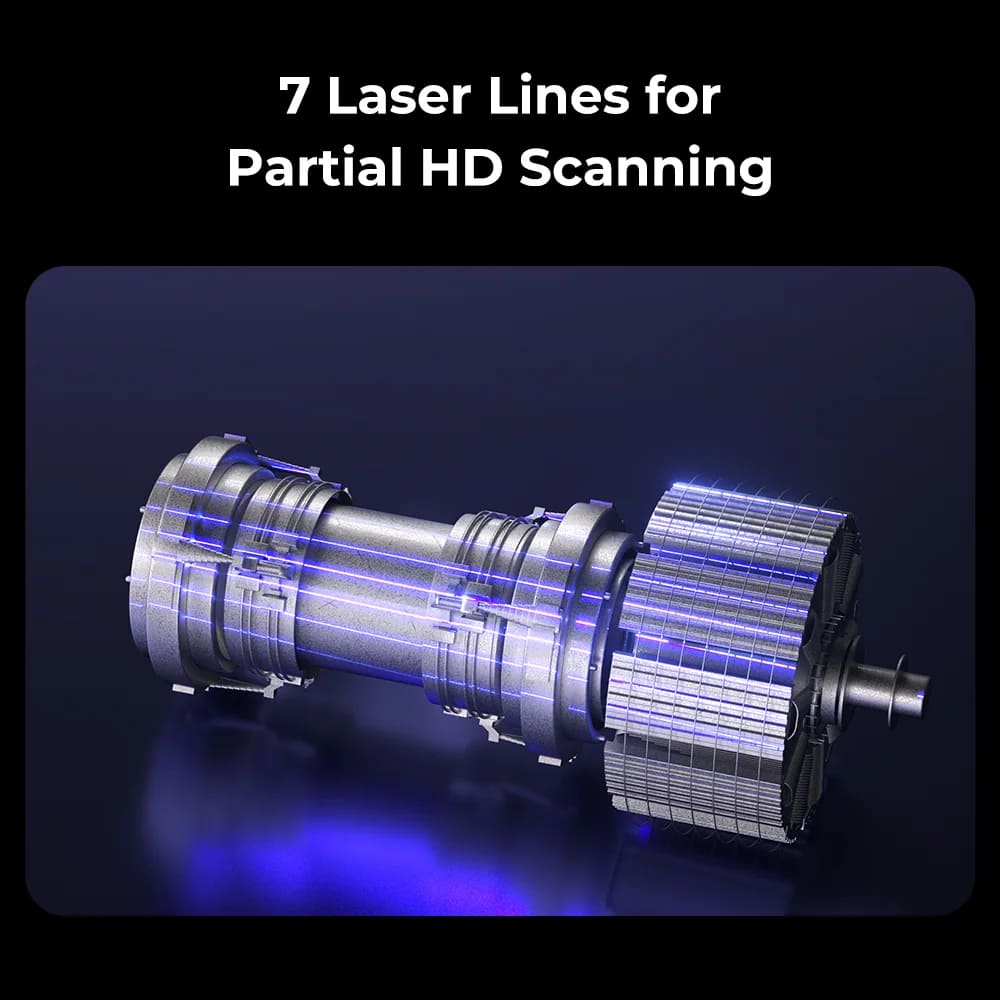
Use Parallel Lines for Controlled Detail
The 7-line blue laser workflow is the careful, high-detail Raptor Pro mode. Use it when the important area is smaller, the features are fine, and the class needs to prioritize clean local geometry over speed.
- Use tighter marker spacing because the capture band is narrower.
- Keep the scanner close enough for stable laser-line visibility without clipping the target.
- Move slowly across sharp details, holes, embossed marks, and small mechanical features.
- Watch the preview for continuous laser lines; broken or blown-out lines signal exposure or angle problems.
Good Lab Targets
- Small brackets, machined parts, tool handles, and partial repair surfaces.
- Parts with localized details that do not need the whole object captured in one pass.
- Targets where students can compare scan detail before and after changing exposure.