Black, Reflective, and Transparent Materials
Part 6 / 8
Material-Specific Choices
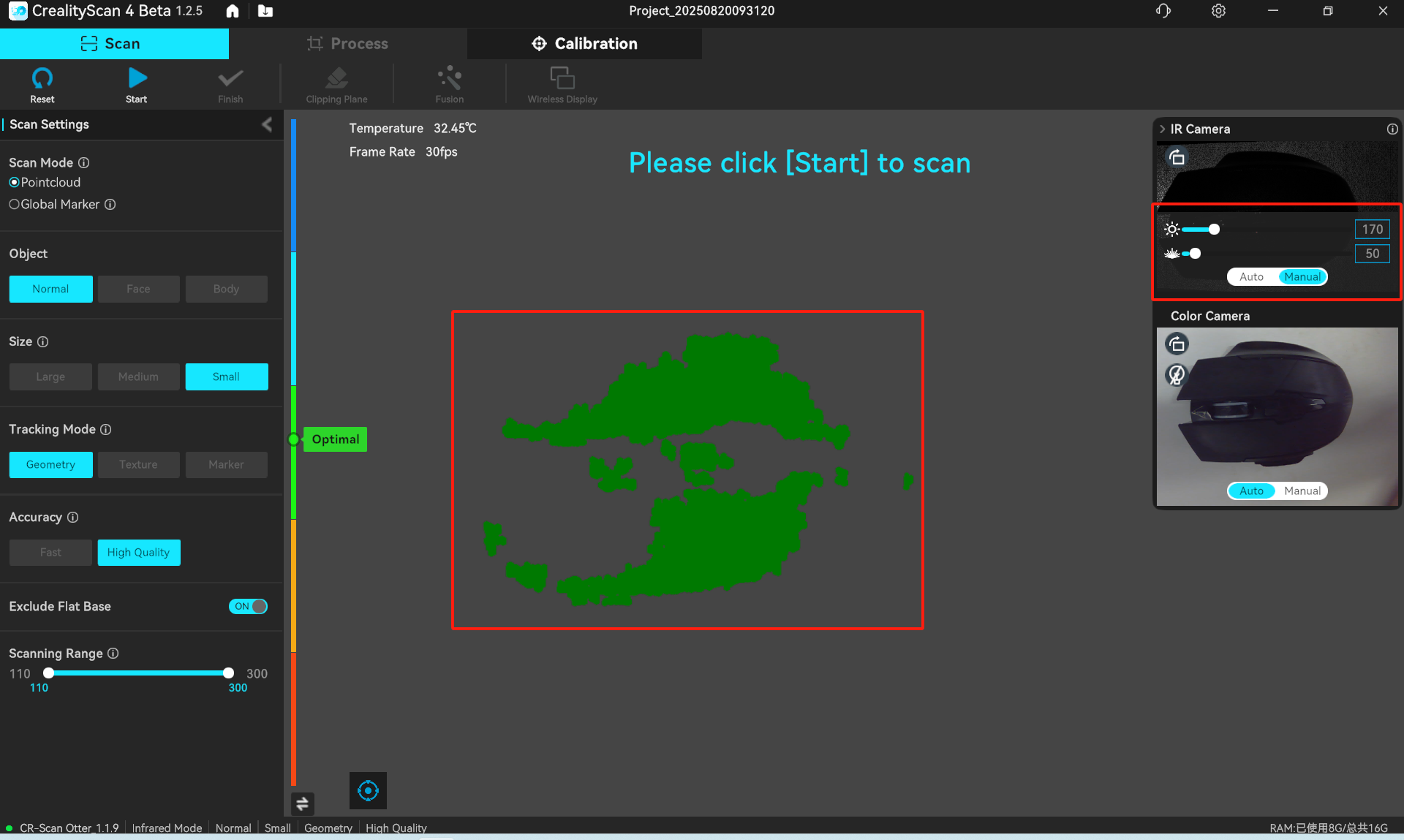
Raptor Pro has strong laser options, but difficult materials still need deliberate setup. Black surfaces absorb light, reflective surfaces bounce light into the cameras, and transparent surfaces refract or pass light through.
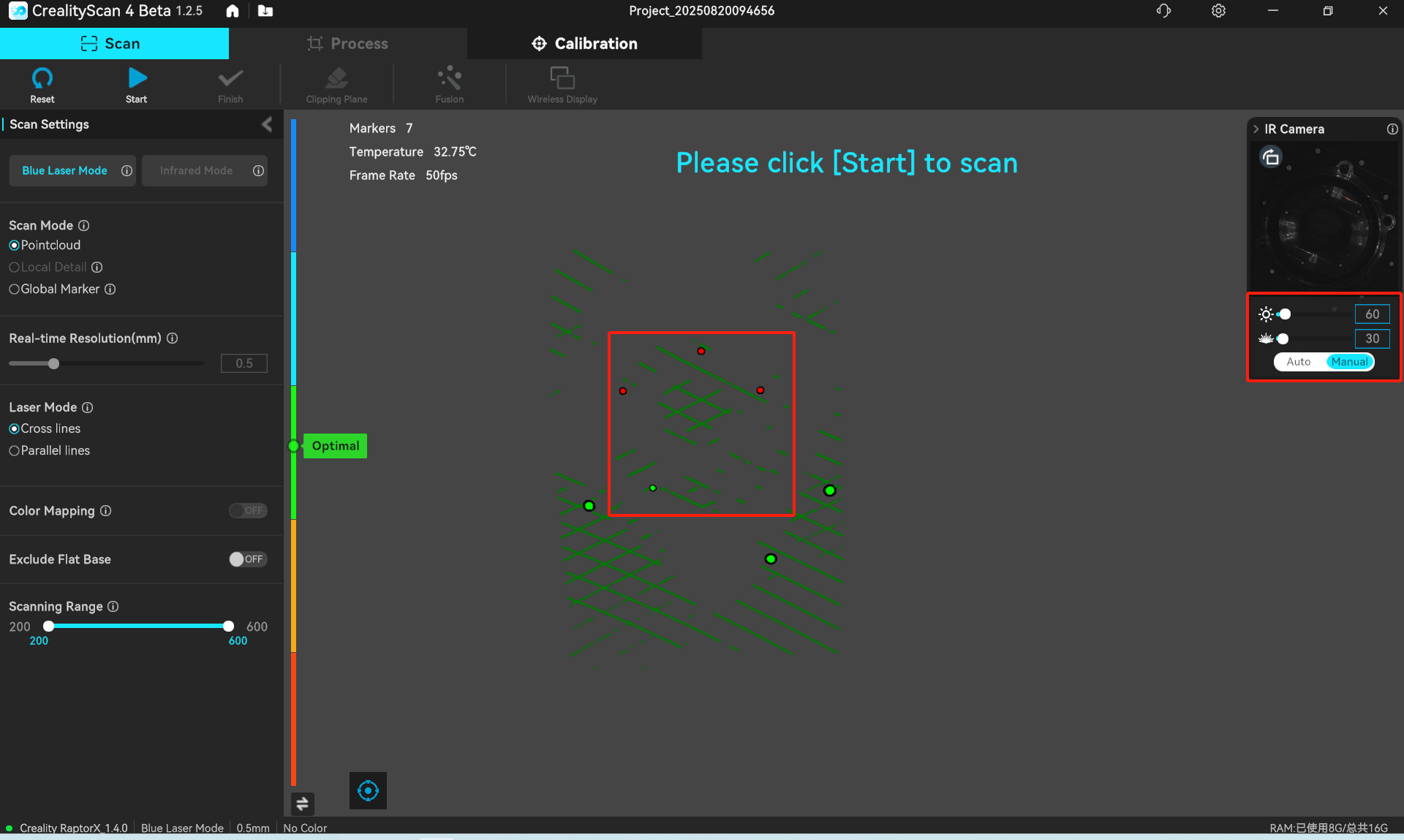
- For black objects, raise IR exposure or laser brightness until preview data becomes complete.
- For reflective metal, change angle first, then adjust exposure and brightness.
- For transparent materials, plan to use scanning developer because the cameras usually cannot capture refracted or transmitted light cleanly.
- For high-quality scans of black or reflective parts, developer spray can still be the most reliable option.
Developer Workflow
- Clean the surface.
- Spray evenly from roughly 150-200 mm away.
- Keep the nozzle moving to prevent sagging or heavy buildup.
- Wait a few minutes until the coating is dry.
- Scan, process, and let the coating evaporate or remove it according to the product used.